The Software and Systems Engineering Experts​
SmarterProcess logo

Contacts

SmarterProcess / ReqPro

ul. Antoniego Pajdaka 5/98
03-134 Warsaw, Poland
NIP : 8921405210
Regon : 146293701

About Products

About us

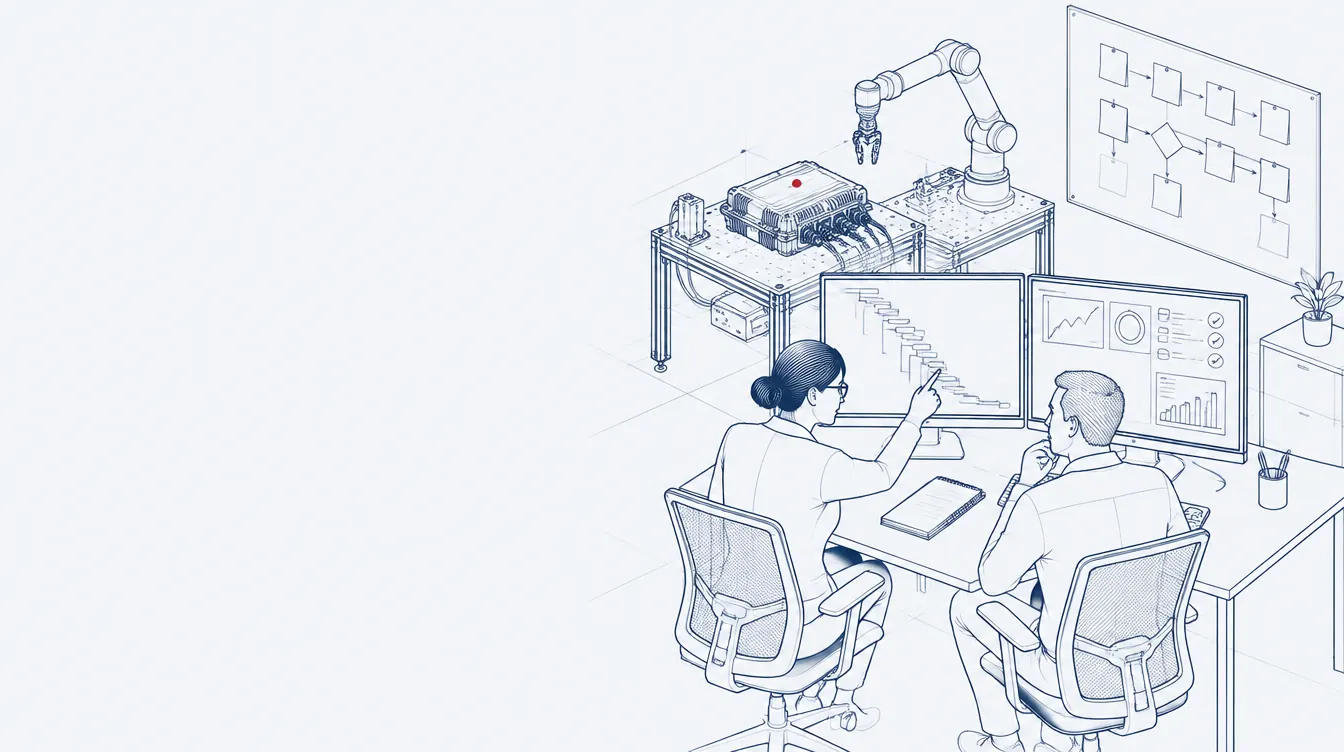
Ink drawing: a consultant beside a client engineer at two monitors, with a control unit on a test bench behind them
Sketch: a completed checklist with an acceptance seal and a key on a server module

Handed over, ready to run · your team keeps the know-how

Process Consulting

Agile consulting for regulated teams

Scrum, SAFe or Kanban for teams that build regulated products, without losing traceability or audit evidence.

Overview

Agile ways of working, introduced step by step

We help you uncover and check the assumptions behind your development process, and suggest what to do about each one.

Complex undertakings such as software development, building new products or moving a company to an agile model rest on many assumptions, beliefs and rumors. Most of them are implicit, often unconscious.

For years we have helped IT organizations improve their production processes and produce better software. We advise on processes, organizational structures and projects, and train the people who lead the change and their project teams.

Teams that build regulated products, for example in automotive, also need their records to survive the change. We plan the new process together with the links between requirements, tests and code, so an assessment never has to wait for the next phase.

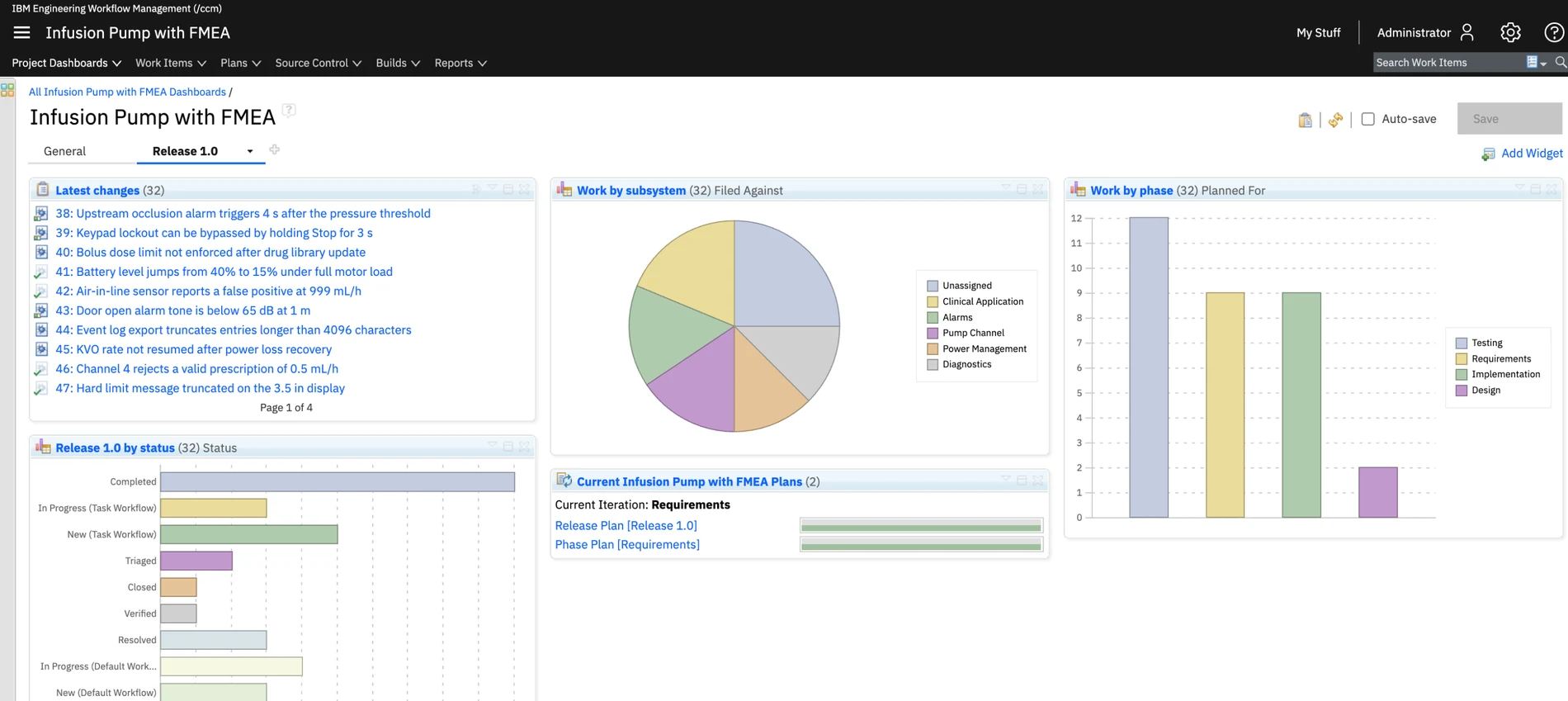
Your boards, backlogs and plans are the raw material for this work. The tools stay as they are until the team agrees on the change.

From assumptions to facts

1
UncoverWhat the team takes for granted
  • “Every team needs two weeks per sprint”
  • “The tool defines our workflow”
  • “Managers need no training”
  • “Audits slow agile teams down”
2
CheckAgainst how the work really runs
  • Production processes
  • Organizational structures
  • Personnel procedures
  • Projects and project teams
  • Tools for planning and monitoring
3
DecideWhat to do with each one
  • KeepWhat already works for your teams
  • ChangeProcess, roles or tools
  • DropBeliefs that do not hold

Our part

We evaluate how your teams work, suggest the changes, select and set up the tools with you, and train the people who carry the process on. We tailor tools to how you work, not the other way around.

Your starting point

Where does agile stand in your teams today?

Most teams come to us at one of these points. Each one starts with a check of the assumptions behind the process. See how we work

A sprint board with stuck work
Agile in name, old process underneathProcess evaluated and adapted
An overloaded backlog
Plans in spreadsheets, tasks elsewherePlanned in a tool that fits the team
A burndown that never reaches zero
Built on unchecked assumptionsAssumptions uncovered and checked

Choose a method

Scrum, Kanban or SAFe: which one fits your team?

The choice depends on how many teams build the product and how the work arrives. The tool setup and the audit evidence follow from it.

ScrumOne team, one product

Best whenOne team builds a product with changing priorities
RhythmSprints of a fixed length, each closed with a review and a retrospective
In IBM EWMScrum process template, sprint plans and taskboard
In GitLabIterations, issue boards and burndown charts
What auditors seeA Definition of Done with review records for every sprint

KanbanContinuous flow

Best whenWork arrives all the time: maintenance, change requests, support
RhythmNo sprints. Limits on work in progress (WIP), and new work starts when there is capacity
In IBM EWMKanban plan view with WIP limits
In GitLabIssue boards with WIP limits
What auditors seeWorkflow states and approvals on every work item

SAFeSeveral teams, one system

Best whenSeveral teams build one product or system together
RhythmProgram Increments of several sprints with joint PI planning
In IBM EWMSAFe 6.0 templates (Essential or Full) for EWM, DOORS Next and ETM
In GitLabEpics and roadmaps across groups
What auditors seeA trace from epic to feature, story, requirement and test

Burndown charts, WIP limits and epics need GitLab Premium or Ultimate.

Traceability

Short sprints, with the audit trail intact

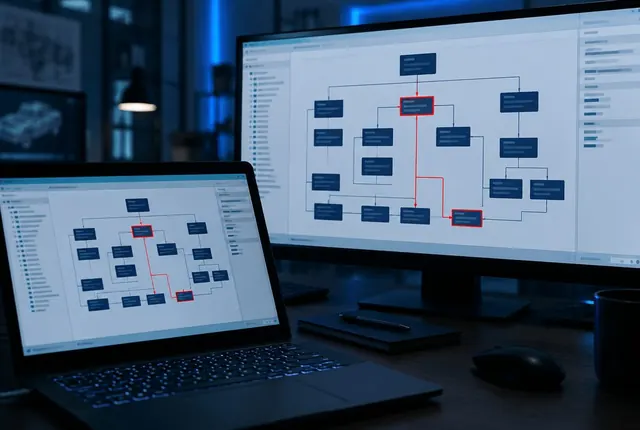
We set up the tools so that every story stays linked to its requirement, test and code, sprint after sprint. The records an ISO 26262 or Automotive SPICE assessment asks for then come straight out of the tools.

  1. EWMEpic and featurePlanned for a release or a Program Increment
  2. EWMUser storySized and planned for a sprint
  3. DOORS NextRequirementLinked to the story that implements it
  4. ETMTest case and resultRun in the sprint, linked to the requirement
  5. GitLab or EWMCommit and merge requestLinked to the story it delivers
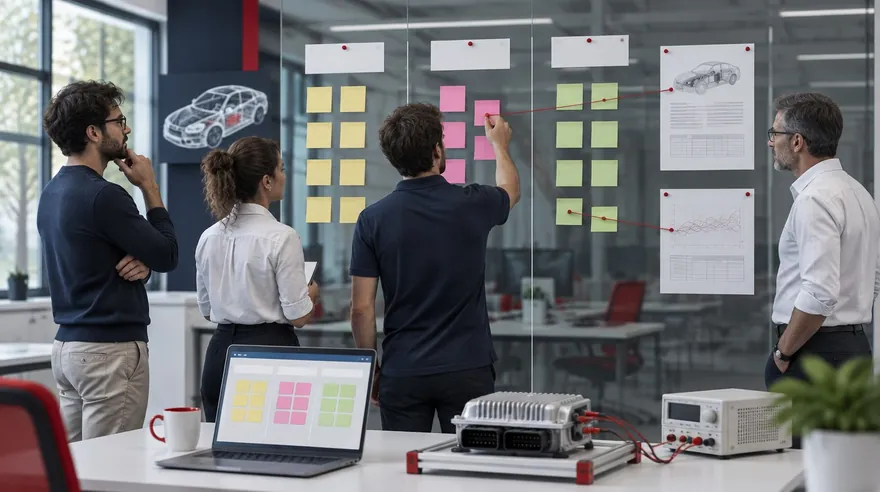
An engineering team plans a sprint at a glass board next to a test bench

What an auditor sees

  • Baselines for every release
  • Reviews and approvals recorded in the tool
  • Trace reports generated from the links, not kept by hand

How we work

From your current process to agile teams

We start with how your teams work today and change it step by step.

  1. Your processAs it works today
  2. EvaluationAssumptions checked
  3. ToolsSelected and set up
  4. TeamsTrained and audited

Stage 1

We look at how you work

  • Evaluation of your current software development processes and their transformation to an agile model

Stage 2

We check the assumptions

  • Implicit assumptions, beliefs and rumors behind the process uncovered and checked
  • Advice on introducing agile methods

Stage 3

We introduce agile methods

  • Development process rebuilt on agile practices and tools
  • Organizational structures and personnel procedures changed with the methods
  • Tools selected for your needs, the maturity of your organization and your budget
  • Tools set up to plan and track the work of each team

Stage 4

We train and audit

  • Training for software development teams and their managers
  • Audits of projects and project teams for the use of agile methods

Planned and tracked in

  • IBM Engineering Workflow Management
  • GitLab
Talk to an engineer

Workshops

Workshops for teams and managers

Private workshops for your people, built on the process we set up together.

Ask about a workshop
  • 1 dayAgile for managersAgile and waterfall compared, planning and estimation, quality in agile projects
  • 2 daysScrum in practiceRoles and events, Definition of Done, planning poker, burndown and velocity
  • 2 daysUser storiesWriting and sizing stories, formal requirements and stories side by side
  • 2 daysIntroduction to SAFeLean thinking, the Agile Release Train, portfolio and architecture
FAQ

Questions we hear before an agile project

Which agile methods do you work with?

Scrum, SAFe or Kanban. For teams that build regulated products, we introduce them without losing traceability or audit evidence.

Do you start by evaluating our current process?

Yes. We evaluate your current software development processes and their transformation to an agile model. We uncover the implicit assumptions behind them and check them.

Which tools do you recommend for agile teams?

We select tools according to your needs, the maturity of your organization and your budget. We tailor them to how you work, not the other way around.

Does IBM Engineering Workflow Management support SAFe?

Yes. IBM Engineering Workflow Management ships process templates for agile and SAFe, with program and portfolio plans across teams.

Do you also help with team structures and roles?

Yes. We consult on defining and changing organizational structures, and on the personnel procedures that come with agile methods.

Can you audit how our teams use agile methods?

Yes. We audit projects and project teams for the use of agile methods, and we train teams and managers.

Newsletter

The SmarterProcess newsletter

Tips, product news and webinar invites on IBM software, DOORS and the other vendors’ tools we deliver. One email a month.

Get it in your inbox

Check your inboxWe’ve sent a confirmation link to . Click it to start your subscription. Can’t see it? Check your spam folder.