Build

IBM Engineering Workflow Management
The build result and its change sets appear on the work item.
- Work item 4127
- Build 2.8.0 · passed
- Change sets linked


Handed over, ready to run · your team keeps the know-how
Process Consulting
Build, test and release pipelines that ship engineering software faster, with every change traceable.
 Deployment automation
Overview
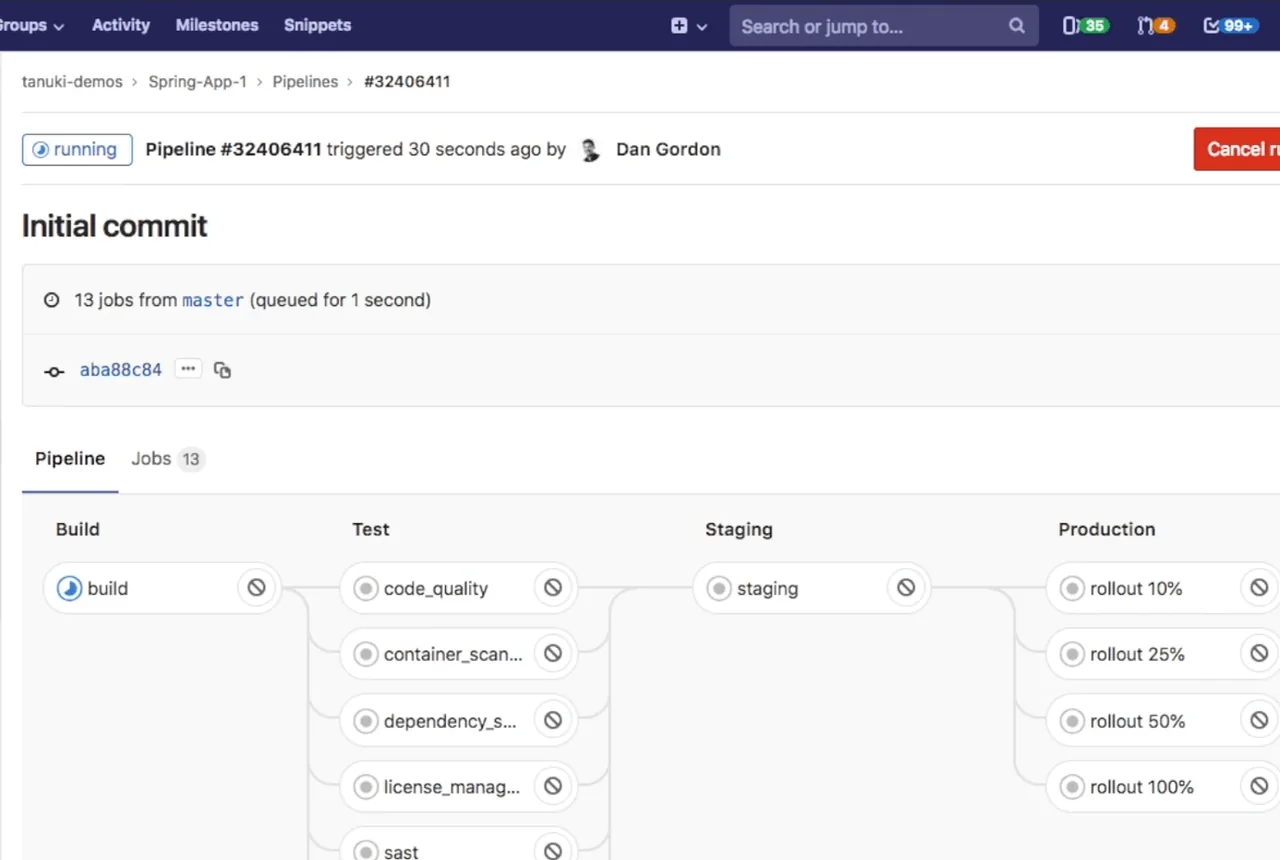
We build CI/CD pipelines that build, test and deploy your software from commit to production without manual steps, and with a tested way back. We link the pipeline to IBM Engineering Lifecycle Management, so each release can be traced back to its work item and requirement.
Most teams we meet already build automatically but still release by hand, with scripts that differ per environment and approvals sent by e-mail. We keep the build jobs that work and add one deployment process for every environment, approval gates in the tool and a tested way back.
We work with HCL DevOps Deploy, GitLab, Jenkins and Azure DevOps, for business applications, engineering and embedded software, internal tools and the IBM Engineering Lifecycle Management platform itself. We tailor the tools to how you work, not the other way around.
Everything runs on your own servers, including networks without internet access, and your team keeps the pipeline after handover.
Your release path
Every stop can leave a trace in IBM Engineering Lifecycle ManagementYour starting point
Three situations we see before most automation projects.
 A failed pipeline run
 A manual deployment checklist
 Environments out of sync
Also a starting point
What we automate
From an audit of your current scripts to automated, repeatable releases.
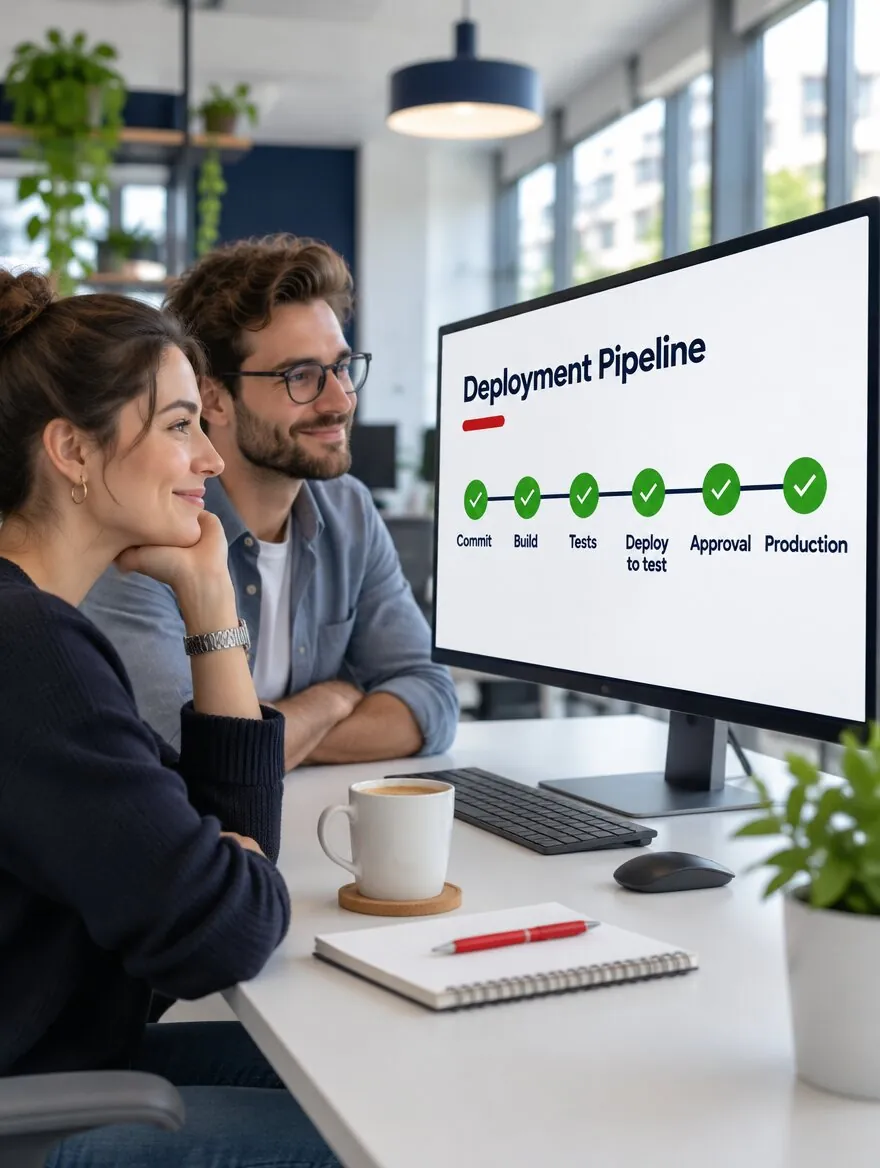
Every commit builds and runs unit tests.
Automated tests run on every deployment. Manual tests are planned by risk and recorded against the same build.
The same process for development, test and production, with settings per environment.
Approval gates, notifications and a history of who deployed what, where and when.
A tested way back to the previous version, run by the same process.
unit tests, done
automated, donemanual, done
dev, donetest, doneprod, done
approved, done
standby
Pipeline + IBM Engineering Lifecycle Management
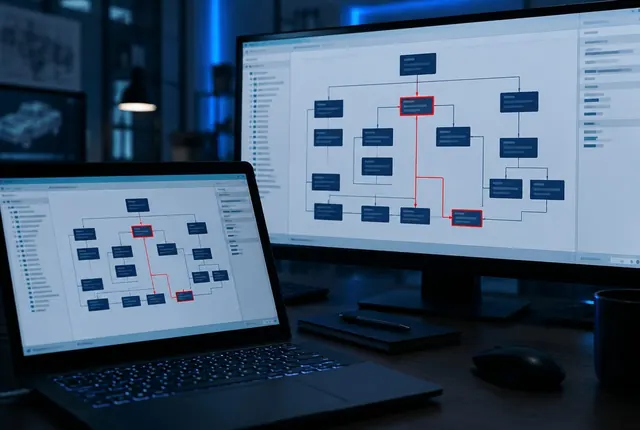
We connect the pipeline to IBM Engineering Lifecycle Management, so you can follow each requirement to the build, the test results and the release that delivered it.
Build
The build result and its change sets appear on the work item.
Tests

Test results are recorded for each build, and a failed test opens a linked defect.
Release

Each requirement shows the tests that validate it and the release that delivered it.
We use the IBM Engineering Lifecycle Management integrations and REST APIs with Jenkins, GitLab or HCL DevOps Deploy. Auditors in regulated industries get the trace they ask for without a separate report. Example data on the cards.
Talk to an engineerHow we work
We prove the pipeline on one application before we roll it out.
We audit your deployment scripts, projects and teams, agree the goal with an owner, and select the tools for your needs, maturity and budget.
We automate the full release of one application, from build to production.
We bring the other applications and environments onto the same pipeline.
We document the pipeline and train your team on the selected tools, so your specialists keep it running.
What we need from you
What stalls automation, and what we do about it
What you get
Automation reduces human error and project risk throughout software production and deployment.
What works, what breaks and what to fix first.
One application released end to end, unattended.
A way back to the previous version, tried before you need it.
Approvals, notifications and deployment history in the tool.
How to run, change and maintain the pipeline.
Training on the tools you selected, for your deployment team.

Trainings
Products
Services
Continuous integration builds and tests every change automatically. Continuous delivery adds automated deployment to test environments, so every build is ready to release and production is one approved step away. Continuous deployment sends every change that passes the tests to production without a manual step. Most teams we work with start with integration and delivery and keep an approval before production.
Not always. Jenkins and GitLab CI/CD build and test well. Releasing to many servers and environments, with settings per environment, approvals and rollback, is easier in a deployment tool such as HCL DevOps Deploy. We often use GitLab or Jenkins for the build and HCL DevOps Deploy for the release. If your deployments are simple, GitLab alone can be enough.
Yes, for what automation does not check well, such as usability and exploratory testing. We plan manual tests by risk and record their results against the same build, so the release decision uses both.
The pipeline deploys versioned packages, so it can return to the previous version with the same process. We test the rollback before the first production release.
With an audit of your deployment scripts and a pilot on one application. We need access to the scripts and environments, the people who release today and one owner who makes decisions.
Yes. We audit and evaluate your current deployment scripts and optimize them. Scripts that work become steps in the new pipeline.
Yes. We install and run the tools on your own servers, including networks without internet access, so approvals and deployment history stay inside your network.
Yes. Every deployment has a history of who deployed which version, where and when, with approvals and notifications.
Yes. Automated tests run on every deployment, and their results decide whether the pipeline continues.