Bring back your DXL features
Scripts your team relied on in IBM DOORS.
- Attribute values your DXL used to calculate
- Menu scripts the team used every day
- Few developers who can still maintain DXL


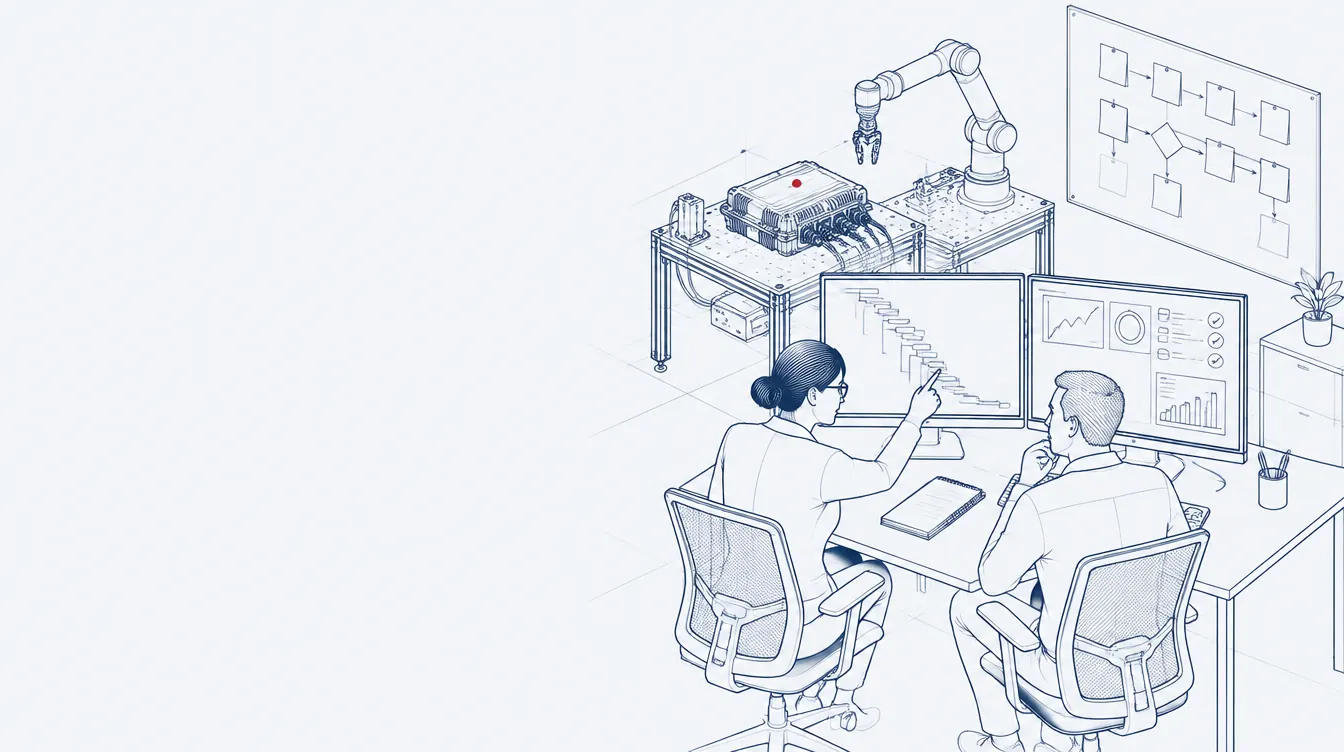

Handed over, ready to run · your team keeps the know-how
Widgets
What DXL did for DOORS, widgets and OSLC do for DOORS Next: custom functions built around your process.
 Widgets and OSLC
Overview
We build custom widgets for IBM DOORS Next and OSLC integrations for IBM Engineering. We also rebuild the DXL scripts your team used in IBM DOORS.
IBM Engineering does not run DXL. You extend it with widgets, small JavaScript and HTML applications that run inside the tool, and with OSLC (Open Services for Lifecycle Collaboration), the REST interfaces that connect data across tools.
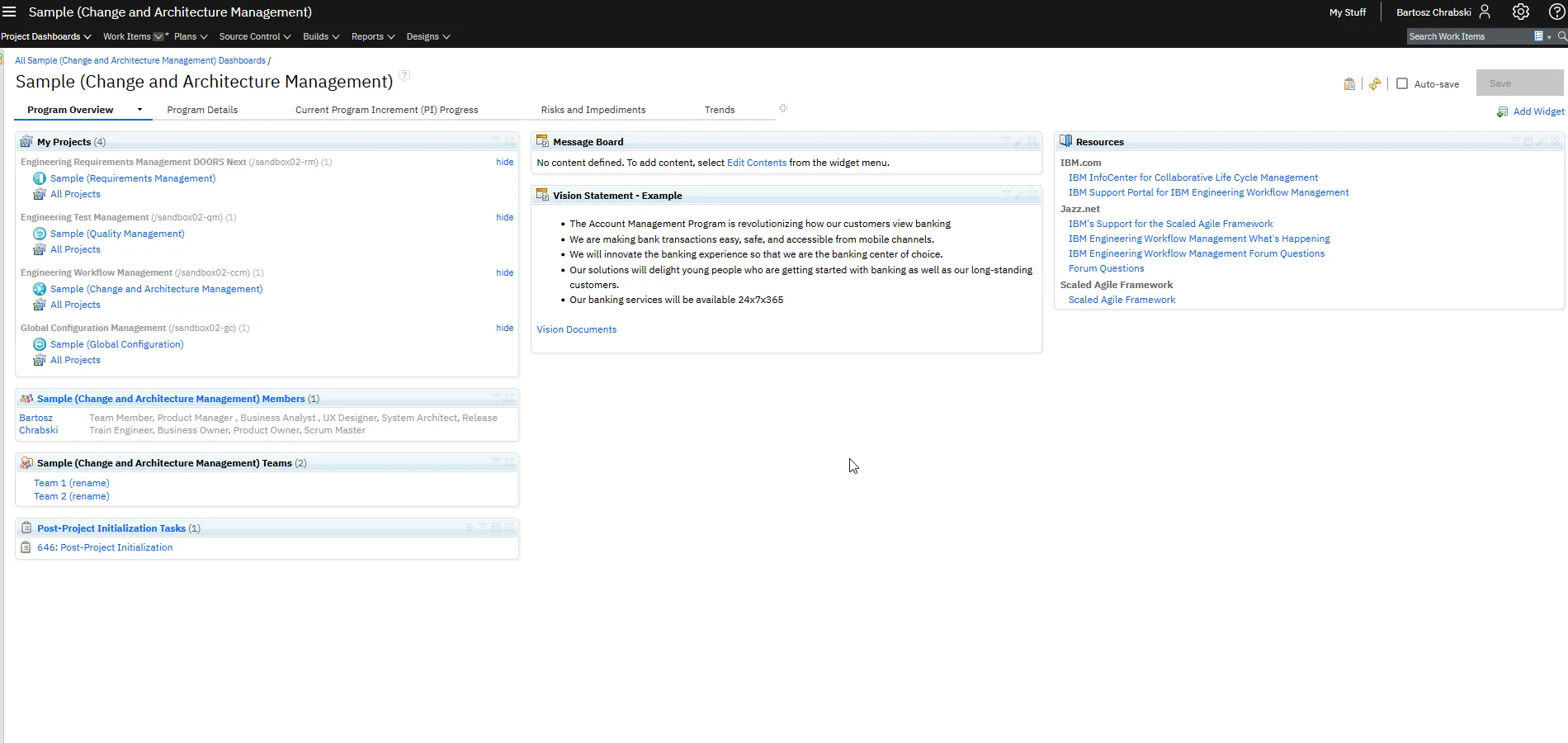
A widget sits where your users already work: in the DOORS Next side panel next to a module, or on a dashboard. It reads the artifacts the user selects, works with their attributes and links, and writes changes back through the RM API, as the signed-in user and with the permissions that user already has in the project.
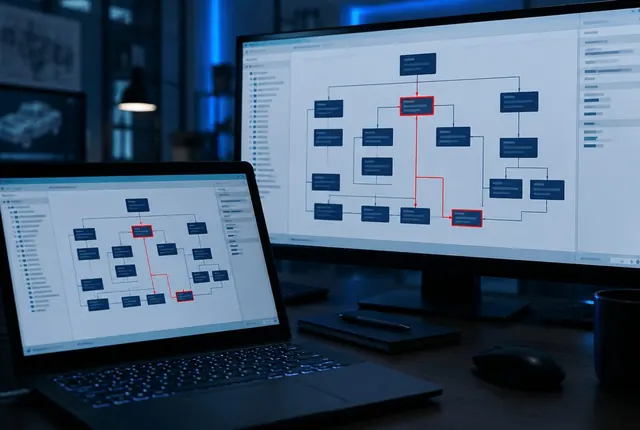
OSLC covers the work between tools. An integration reads and links requirements, test cases and work items across DOORS Next, Test Management and Workflow Management, or connects IBM Engineering to tools from other vendors, so nobody copies data by hand.
Most projects start from something your team already has: a DXL script from DOORS 9, a manual spreadsheet step or a weekly report. We agree what it should do in DOORS Next, build it, and hand over the source code.
What do you need?
Scripts your team relied on in IBM DOORS.

Work your team still does by hand.

Data moved between tools by hand.
Add them to the ELM Mini Dashboard and hand repetitive requirements work over to them. Each one previews its changes first.
Browse all widgetsChoose the technology
We pick the technology with you in the first conversation. The table shows what decides it.
| Criterion | RM APIPlatform API of DOORS Next | OSLCOpen standard, REST | RM API and OSLCBoth together |
|---|---|---|---|
| Works in the DOORS Next user interface | Yes: Yes | Partly: Fewer actions | Yes: Yes |
| Data it reaches | Partly: Some: comments, reviews, users | Yes: All data exposed by OSLC | Yes: Full |
| Configuration aware | No: No | Yes: Yes | Yes: Yes |
| Effort to build | Yes: Lowest, well documented | Partly: Higher: OSLC calls and parsing | No: Highest |
| Choose it when | The feature works on the module open on screen | You need data from other projects, tools or configurations | You need both: the screen and the full data |
Systems we connect to IBM Engineering through OSLC
JiraPolarionCodebeamerPLM systemsMBSE toolsMATLAB/SimulinkTest toolsYour own systemsFrom DXL to DOORS Next
Each kind of script gets a replacement that fits how DOORS Next works. Your list of scripts is enough to start.
| In IBM DOORS (DXL) | Example | becomes | In DOORS Next |
|---|---|---|---|
| DXL attribute | obj."Risk" = obj."Severity" * obj."Prob" | A widget calculates the value and writes it to the attribute, after a preview | |
| Layout DXL | displayRich(obj."Status" "") | An attribute filled by the widget, shown as a column in a view | |
| Trigger (before save or on open) | trigger("check", project, module, pre, save) | DOORS Next has no triggers. We agree the replacement with you | |
| Menu script (Tools menu) | addMenu("Tools", "Risk", "risk.dxl") | A widget in the side panel, one click away | |
| Bulk edits and cleanup | for o in m do { o."Text" = … } | A widget with a preview, run in a change set | |
| Export to Word or Excel | oleCreateAutoObject("Word.Application") | A Publishing templateReport development |
How a project runs
What you get
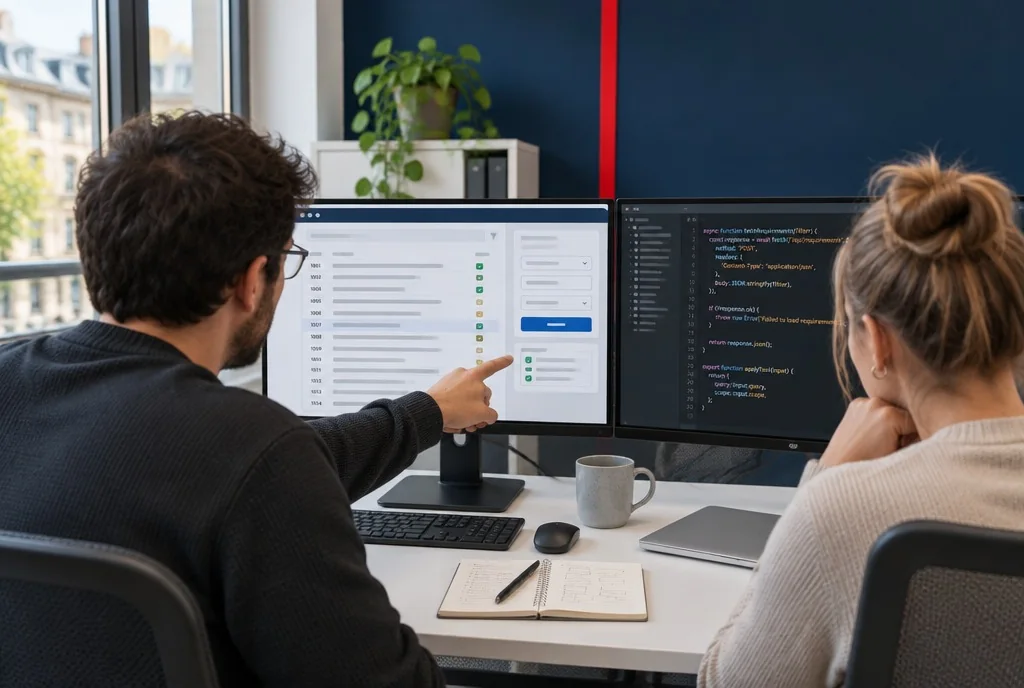
Your users open it in DOORS Next like any other widget.

JavaScript and HTML your developers can read and change.

Where the files live and which server settings the extension needs.

Your developers learn to build and change widgets.

Trainings
Services
Not line by line. We rebuild what each script did with a widget, the platform API or OSLC; the table From DXL to DOORS Next shows the usual replacement. For common DXL features there are ready widgets in SmarterWidgets 2.0.
A small application that runs inside the platform, based on Google OpenSocial gadgets and built with JavaScript and HTML.
Open Services for Lifecycle Collaboration is a set of specifications that simplify the integration of tools across the lifecycle. The OSLC community that defines it is part of OASIS Open.
It depends on whether the feature works on the module open on screen or needs data from other tools and configurations. The comparison in RM API, OSLC or both shows the differences, and we confirm the choice with you before we build.
Usually yes, because widgets use the public interfaces of the platform. Some updates change server security settings, and a widget may then stop loading until your administrator allows its address again. Tell us before you upgrade and we check your extensions afterwards, as part of platform maintenance.
The widget files (XML, JavaScript and HTML) sit on a web server your users can reach, often the ELM server itself. Your administrator adds that address to the trusted locations in the Jazz server settings. The installation notes we hand over list each setting.
Yes. Widgets can be added to dashboards in every IBM Engineering application. The RM API works only in DOORS Next, so in Test Management and Workflow Management a widget reads and writes data through OSLC or the application's REST services.