The Software and Systems Engineering Experts​
SmarterProcess logo

Contacts

SmarterProcess / ReqPro

ul. Antoniego Pajdaka 5/98
03-134 Warsaw, Poland
NIP : 8921405210
Regon : 146293701

About Products

About us

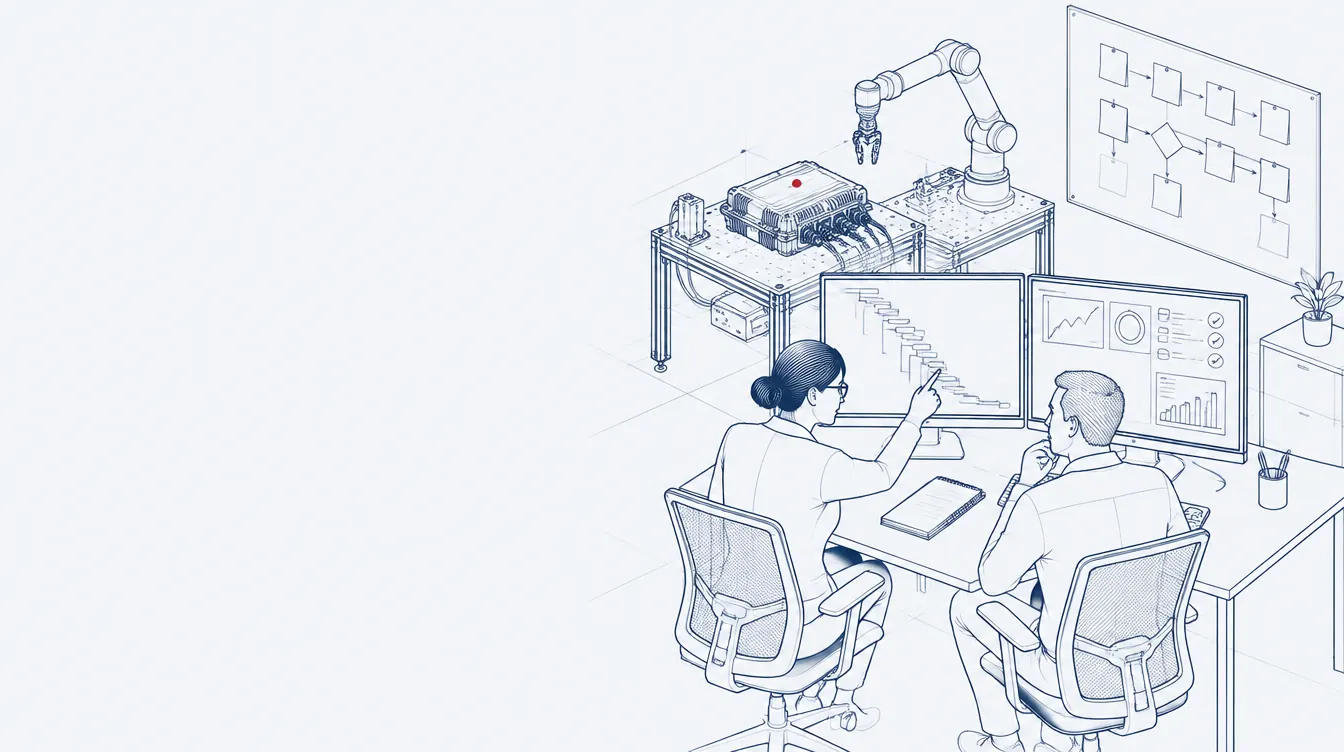
Ink drawing: a consultant beside a client engineer at two monitors, with a control unit on a test bench behind them
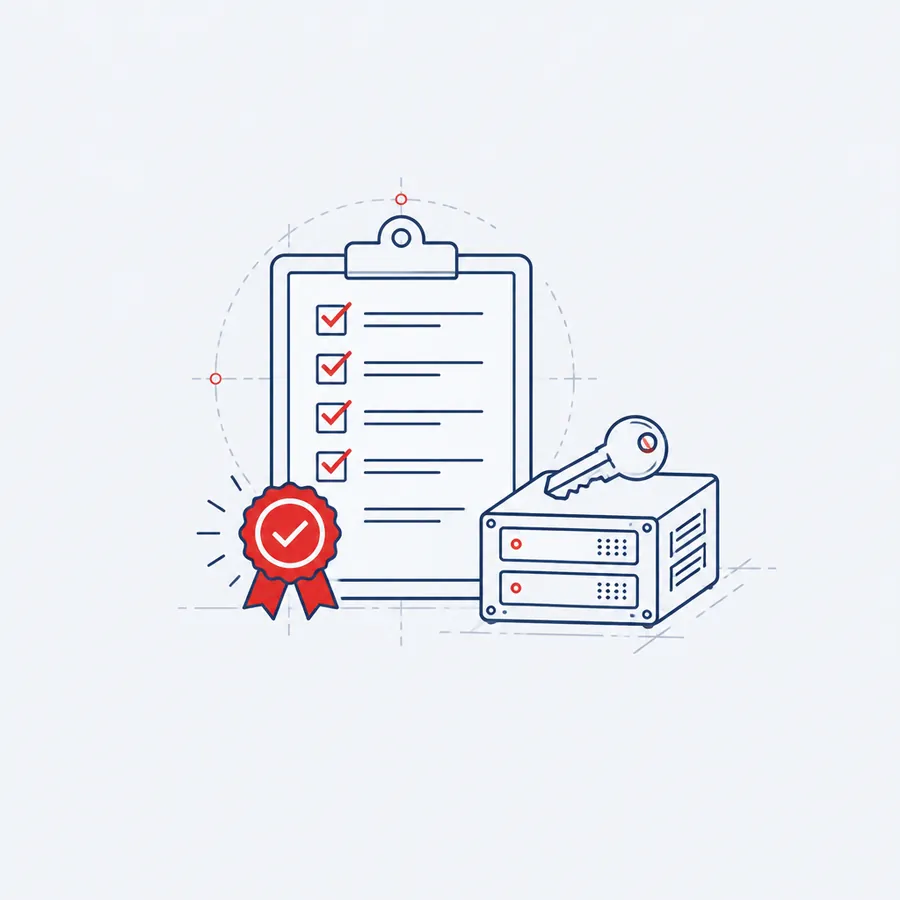
Sketch: a completed checklist with an acceptance seal and a key on a server module

Handed over, ready to run · your team keeps the know-how

IBM Engineering

IBM Engineering Lifecycle Management Installation and Deployment

Installation, migration and upgrades of the IBM Engineering platform, on your own servers or in the cloud.

Overview

IBM Engineering Lifecycle Management installed, upgraded or moved, sized for your organization

We install IBM Engineering Lifecycle Management (the Jazz platform) on your servers or in your cloud, upgrade an installation you already run, or move it to a larger topology.

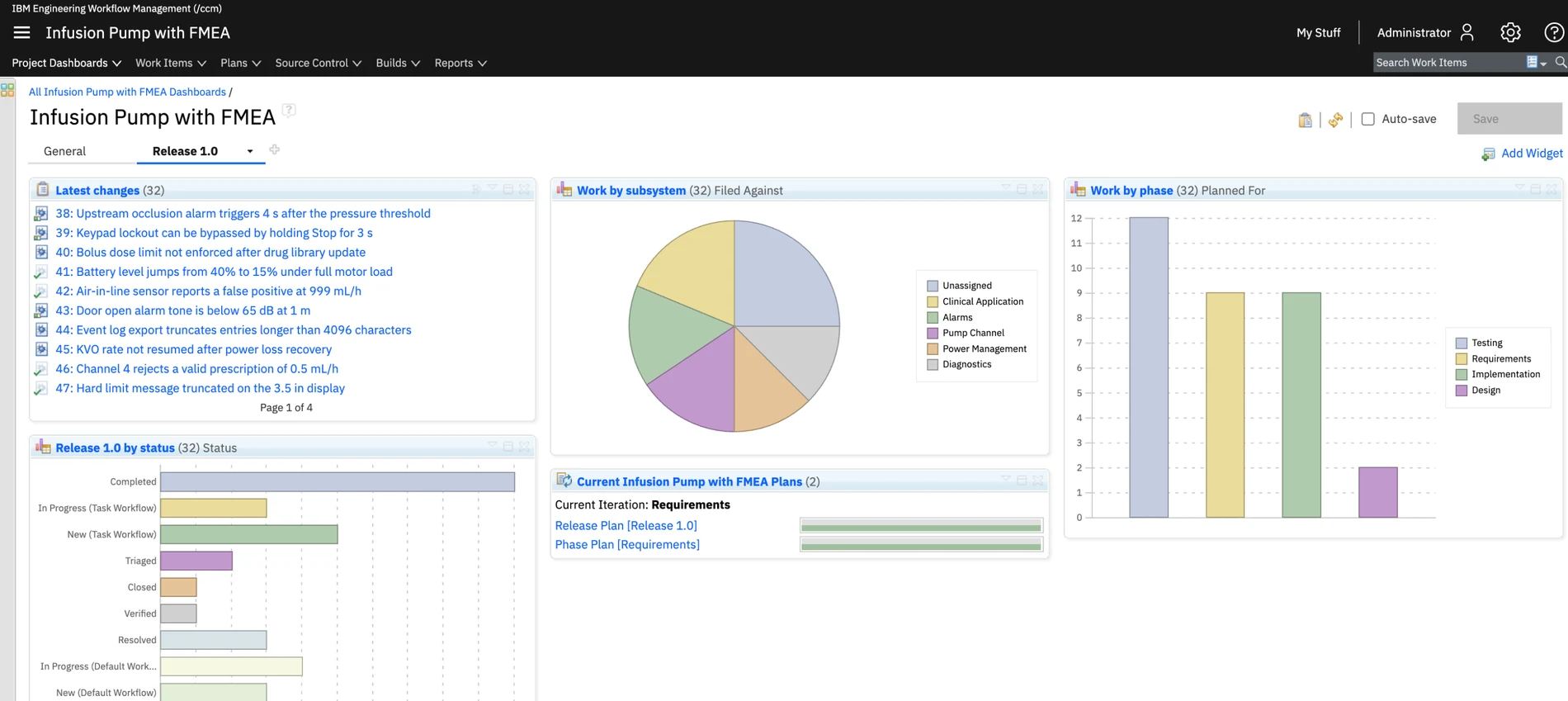
IBM Engineering Lifecycle Management is a set of engineering applications on one Jazz Team Server: DOORS Next for requirements, Workflow Management for plans and changes, Test Management for tests. They share one login and keep the links between them.

Every project starts with sizing and ends with a platform your administrators can run on their own. IBM Engineering AI Hub can be part of the same project.

An installation or upgrade usually takes about 2 to 5 days per environment, depending on the topology, the applications and the integrations.

Jump to your project

Your project

Which project are you planning?

Deployment work comes in three kinds of project. Each one starts from a different place.

New installation
Server sizing left to guessworkSized for your organization

What we do

Before
You approve the topology and server sizing before anything is installed.
During
Jazz Team Server and the applications your licenses cover, on the database and application server you chose.
After
Java heap and startup tuned, then a check of the running platform with your team.
Version upgrade
Updates and fix packs put offFix packs and patches installed

What we do

Before
We check the upgrade path IBM supports from your release, take a backup and rehearse the upgrade on a copy of your data.
During
The upgrade runs in a window you agree, with current fix packs applied.
After
Extensions, reports and integrations checked against the new release.
Migration to a new topology
Outgrown a departmental setupEnterprise or federated topology

What we do

Before
Target topology designed, enterprise or federated.
During
Applications moved to new servers, a new database or the cloud, keeping the public URIs your links depend on.
After
Indexes rebuilt and links between applications checked.

One team of up to 10 users, starting from an empty server? The IBM Engineering Lifecycle Management QuickStart installs IBM Engineering Lifecycle Management and trains your team in ten days.

See the IBM Engineering Lifecycle Management QuickStart

What we set up

The platform we install and configure

Every layer below is set up and tuned by us, from the web server down to the operating system.

Users in browsers and desktop clients

Web tier

IBM HTTP ServerReverse proxy in front of the applications, with your SSL / TLS certificates

Applications

  • Jazz Team Server
  • DOORS Next
  • Workflow Management
  • Test Management
  • Jazz Reporting Service
  • Global Configuration
  • Rhapsody Model Manager
  • Engineering Insights
  • Link Index Provider

Application server

WebSphere LibertyOr WebSphere Application Server. Java heap sized to server memory, startup scripts, automatic startup

Database

Db2 or OracleA database you already run, or a new one we set up

Server

Hardware, memory, storage, operating systemReviewed before the first install

Login

  • WebSphere Liberty user registry
  • Active Directory or LDAP
  • Single sign-on

Operations

  • Email notifications
  • Monitoring and latency measurement
  • Backups
  • Updates and fix packs
IBM Engineering AI HubOn Red Hat OpenShift or Kubernetes, using your IBM Engineering Lifecycle Management login and token pool
Example of an enterprise installation. The applications depend on your licenses.

Sizing

Which topology fits your organization?

We size before we install. Most projects use one of the topologies IBM recommends.

  1. TrialOne server to evaluate IBM Engineering Lifecycle Management. Not for production data.
  2. TrainingA separate environment for courses, so practice never touches project data.
  3. DepartmentalOne team or department. Applications share a server, the database has its own.
  4. Where we usually start
    EnterpriseEach application on its own server behind IBM HTTP Server. Servers can be added as more teams join.
  5. FederatedSeveral Jazz Team Servers for separate sites or business units, linked where projects need it. Modified federated variants too.

What we size

  • Processor cores and memory
  • Storage
  • Operating system
  • Database
  • Application server
  • A review of hardware you already have

Not sure which one? We usually start with the enterprise topology. Moving a growing team off a single server later means a migration project.

How we work

How a deployment project runs

Four steps, whichever of the three projects you run.

  1. 1

    Assess

    We go through your users, licenses, applications, existing servers and integrations.

  2. 2

    Design and size

    You get the topology and server sizing to approve.

  3. 3

    Install or upgrade

    We do the work remotely or on site, then tune the platform and check it with your team.

  4. 4

    Hand over

    You sign off on the running platform and get the documents listed below.

Talk to an engineer

What we need from you

  • Servers or virtual machines, with admin access
  • A database, or a contact to your DBA
  • Your IBM license keys
  • Connection details for Active Directory or LDAP
  • An SSL / TLS certificate and an SMTP relay
  • A maintenance window for upgrades and migrations
  • Remote access (VPN) for our engineers
  • One person on your side who owns the platform

What you get

What stays with your team after handover

A platform your team can run

At handover your administrators get the platform and a written record of how it was built and how to run it.

Running platform

Tuned, with current fix packs, and checked with your team before you sign off.

Installation documentation

What was installed, where, and with which settings.

Sizing and topology notes

Why the servers look the way they do, for the next time you grow.

Operations runbook

How to start, stop and back up the platform, step by step.

Rather not run it yourselves? Platform Maintenance keeps it current on your servers or Managed Service hosts it for you.

FAQ

Questions we hear before a deployment project

Can you upgrade across several releases at once?

It depends on the release you run. We check the upgrade path IBM supports and plan an intermediate step if one is needed.

How long is the platform unavailable during an upgrade?

Only during the window you agree. We rehearse the upgrade on a copy first, so the production window covers steps we have already run once.

Can you install IBM Engineering Lifecycle Management in our own AWS, Azure or Google Cloud account?

Yes. We install in AWS, Microsoft Azure, Google Cloud or IBM Cloud, on VMware in your data center, and on Linux or Windows Server. IBM Engineering AI Hub runs on Red Hat OpenShift or Kubernetes.

Can users sign in with Active Directory and single sign-on?

Yes. We connect the platform to Active Directory or LDAP, with or without single sign-on, or set up the WebSphere Liberty user registry.

Can IBM Engineering Lifecycle Management run on virtual machines?

Yes, on VMware or in the cloud as well as on physical servers. When we size a virtual installation we also check how the hosts are shared, because IBM Engineering Lifecycle Management needs the memory and processor cores it was sized for.

Which applications do you install?

Jazz Team Server and the applications your licenses cover. Jazz Team Server is always part of the installation, because the other applications register with it. An application you license later can be added to the same server.

Which databases and application servers do you set up?

Db2 or Oracle, on WebSphere Liberty or WebSphere Application Server. If your company already runs one of these databases, we use it and work with your DBA.

Which topology fits our organization?

Tell us how many people will use IBM Engineering Lifecycle Management, at how many sites, and with which applications. From that we propose a topology and server sizing.

Newsletter

The SmarterProcess newsletter

Tips, product news and webinar invites on IBM software, DOORS and the other vendors’ tools we deliver. One email a month.

Get it in your inbox

Check your inboxWe’ve sent a confirmation link to . Click it to start your subscription. Can’t see it? Check your spam folder.