New report
A new report from your template
We build the report from your Word or PDF template, on data from DOORS Next, Test Management, Workflow Management or other tools.
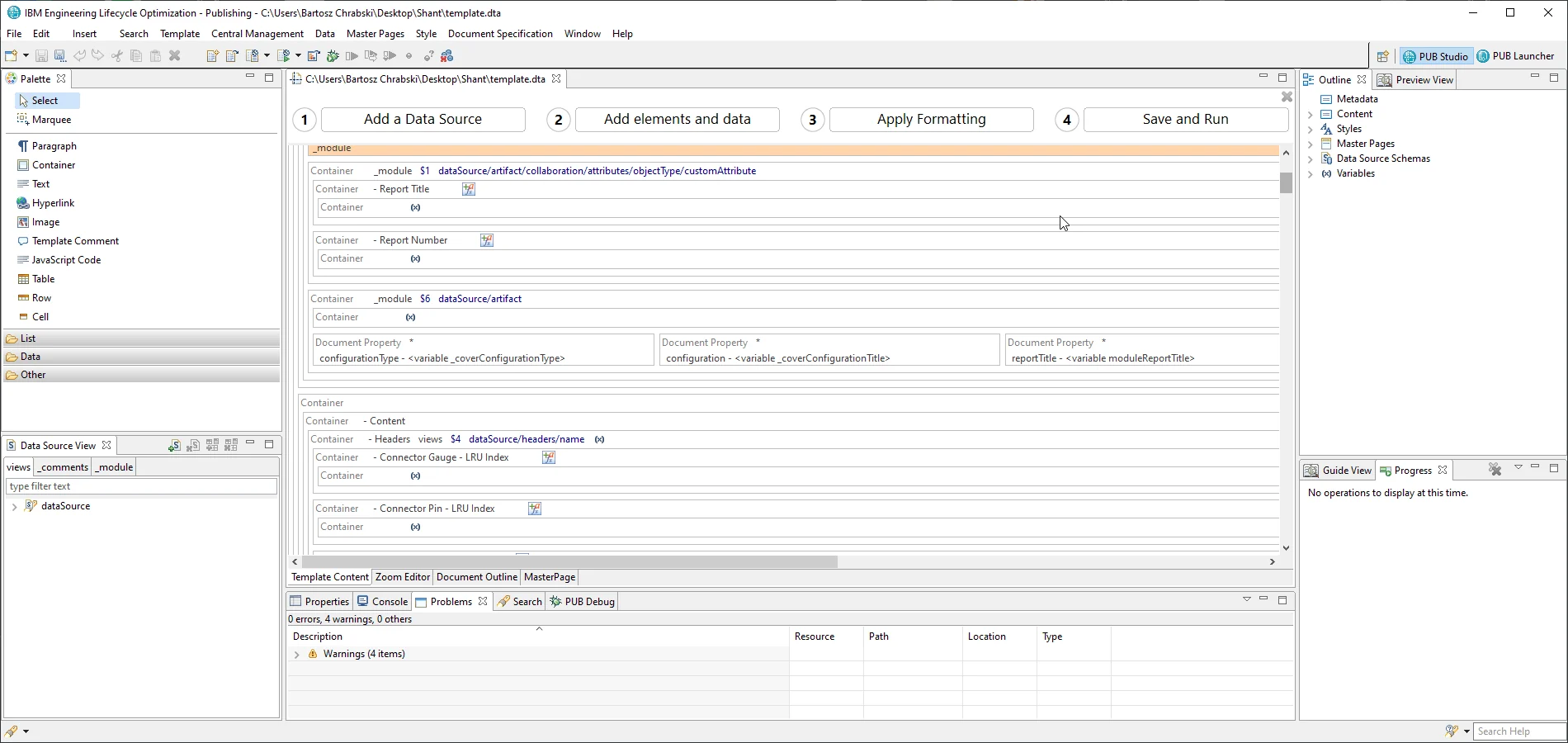


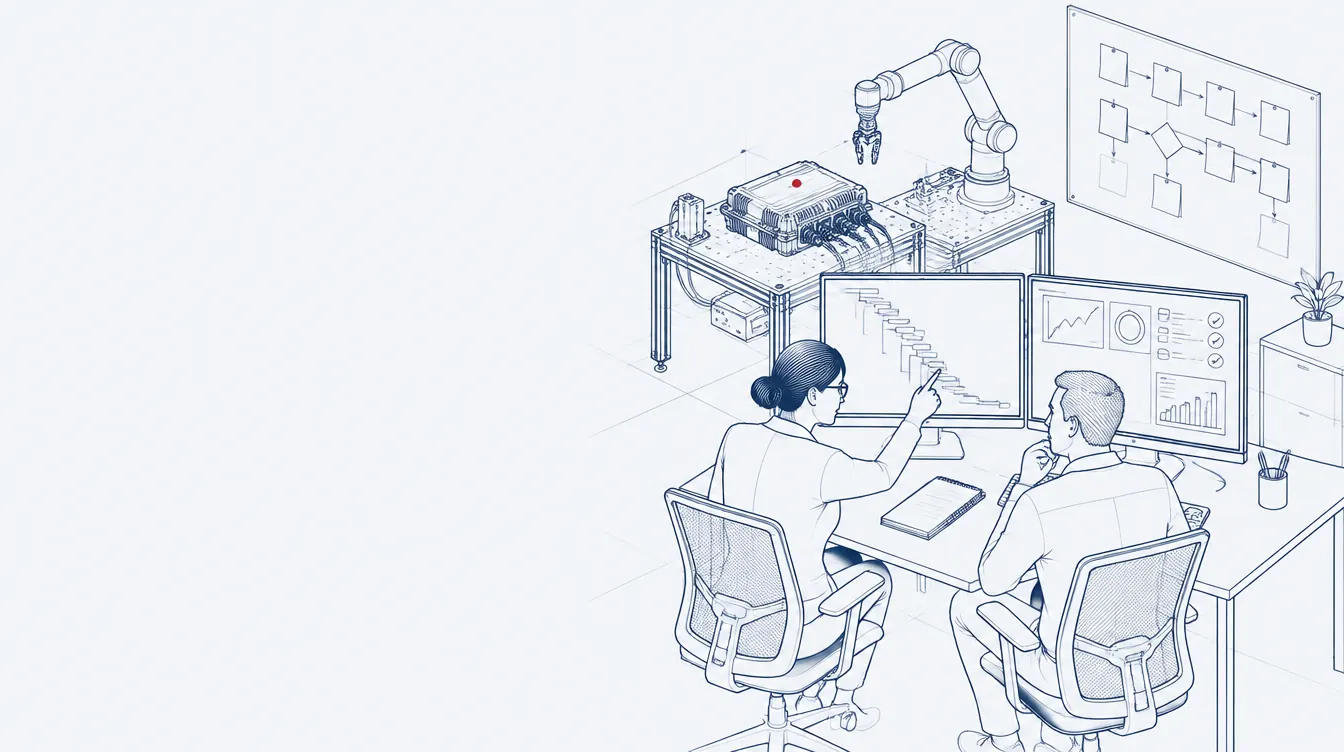

Your template · generated from your data
IBM Engineering Publishing
Document templates that turn requirements, models and tests into the reports your customers and auditors expect.
 Custom report development
Overview
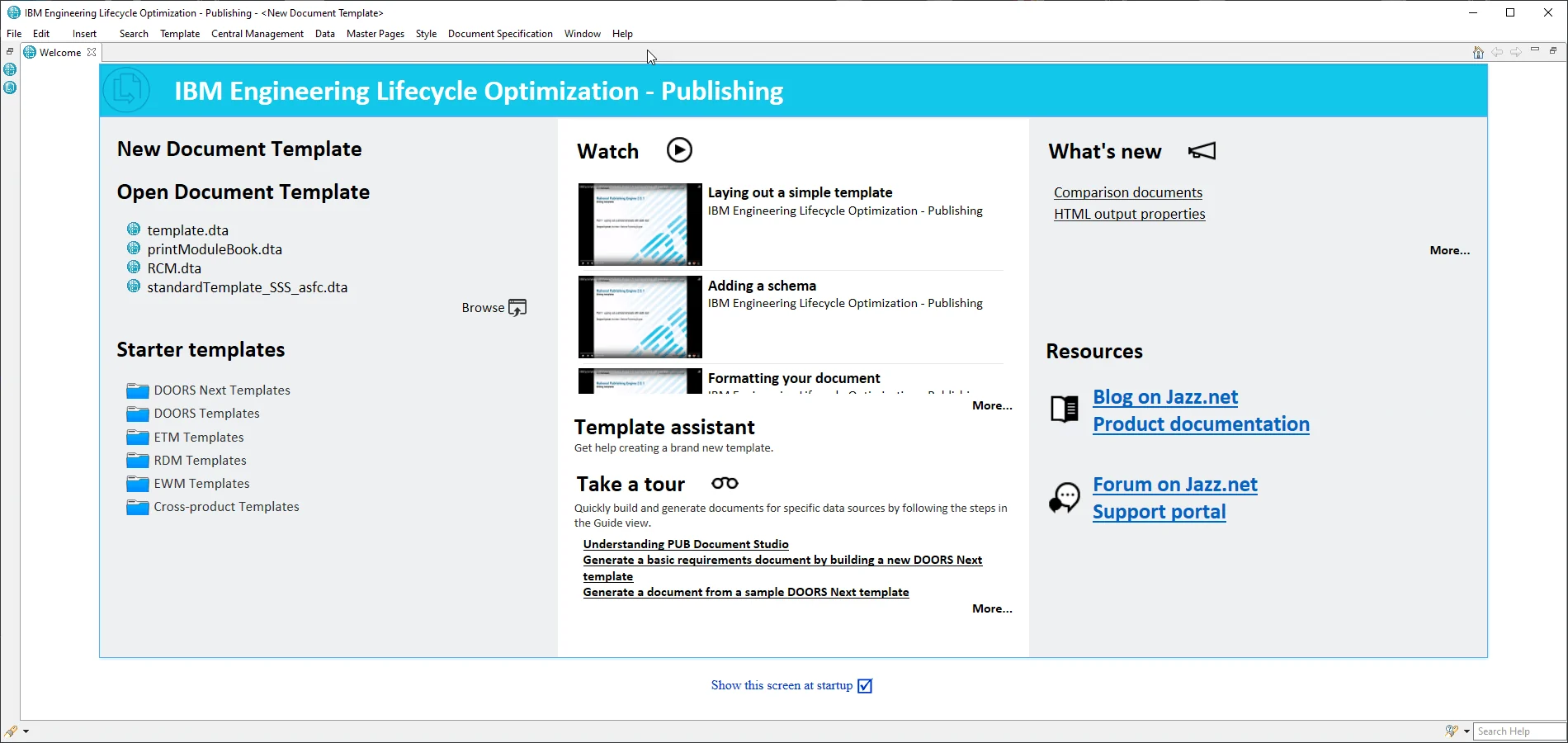
We build IBM Engineering Publishing templates (formerly IBM Rational Publishing Engine, RPE) that turn data from DOORS Next, Test Management, Workflow Management and other tools into the documents your organization, customers and auditors require.
Report templates and their data interfaces are complex to build, so we build the report from the template you provide and work with you until the document meets your exact requirements.
Most of the work in a template goes into the data: rich text with embedded diagrams, attributes that differ between projects, and links that cross project areas and configurations. Tables must break cleanly across pages, and headings must follow the module hierarchy.
If you use several Word templates, for example one per customer, one Publishing template can produce each of them by switching the style sheet. Before handover we also run each template on your largest module, to check generation time and page layout on real data.
Anatomy of a generated document
Word or PDF template
Cover page, styles, headers, footers and numbering come from your template.
Baseline or configuration
A baseline or global configuration, so the content matches one frozen version.
IBM DOORS Next
Rows, attributes and sections from a module or view.
IBM Engineering Test Management
The test that verifies each requirement, with its last result.
OSLC links
Matrices built from the links between requirements, tests and changes.
IBM Engineering Workflow Management
Open work items linked to the requirements in the document.
Built by SmarterProcess
Queries, filters, sorting and conditions that assemble it all.
Documents we build
These are the documents teams most often bring to us. Each one can be generated from your engineering data.
 From DOORS Next module or view
 From DOORS Next and Test Management links
 From DOORS Next and the Rhapsody model
From Test Management plans and suites
From Test Management execution results
 From requirements, tests and changes together
 From two DOORS Next baselines
From Workflow Management work items

 From any module, view, query or Jira project
Often used as audit evidence for
Where you start
Four situations we meet most often. Each one starts with a short conversation about the documents you need.
New report
We build the report from your Word or PDF template, on data from DOORS Next, Test Management, Workflow Management or other tools.

Document Builder
We install and configure IBM Engineering Document Builder and migrate your reports from DOORS Next, Test Management or Workflow Management.
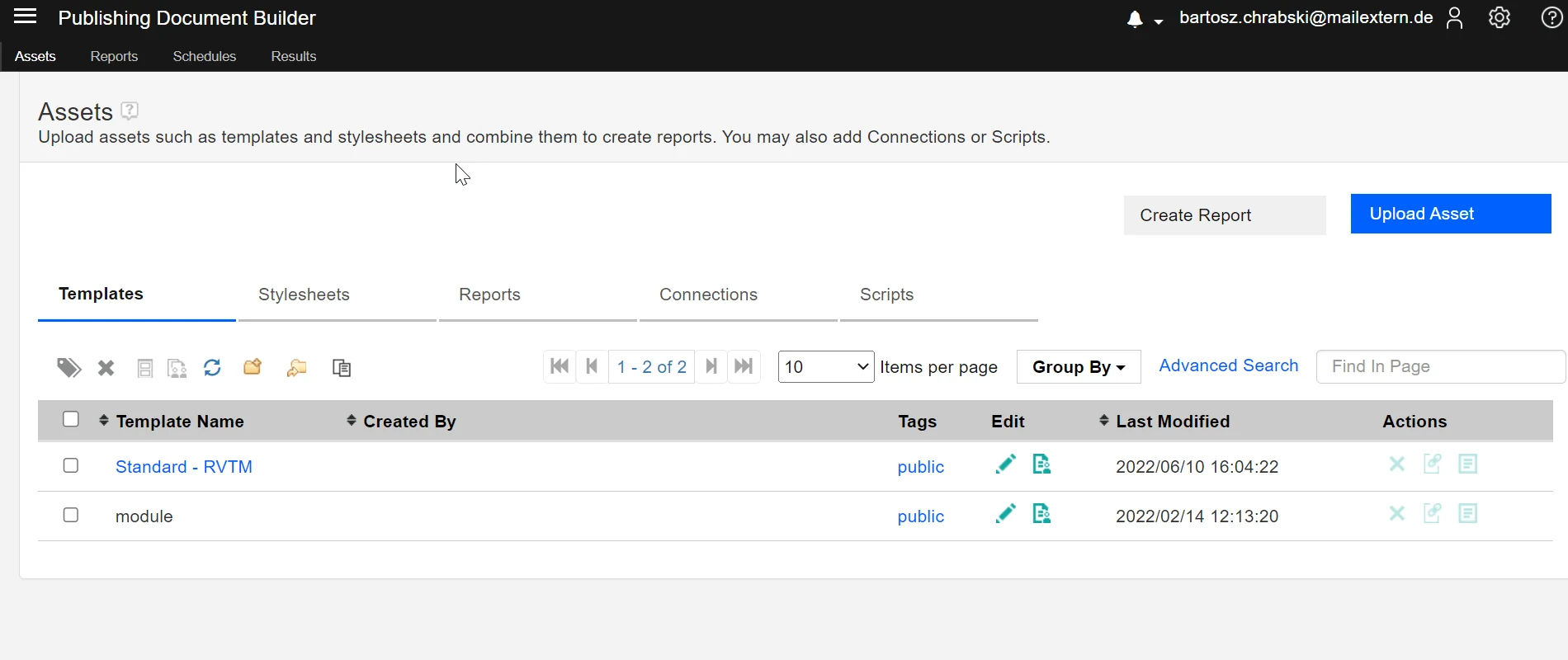

Existing reports
We maintain and extend reports built in IBM Rational Publishing Engine, and speed up slow reports built in IBM Engineering Publishing.
DOORS 9
DXL does not exist in DOORS Next, so we rebuild your DXL exports as Publishing templates.
For other DXL features we have SmarterWidgets 2.0, our widgets for DOORS Next.
How we work
You tell us what the document must contain. We make Publishing produce it.
Share the Word or PDF template, or the requirements the document must meet.
In IBM Engineering Publishing or in Document Builder, on your data.
You check the document generated from your data. We adjust the template until you accept it.
We keep developing your reports, or hand the templates over to your team.
What we need from you
Ways to work with us
What you get
Data goes from DOORS Next, Test Management and Workflow Management straight into the document, so nobody copies it by hand.
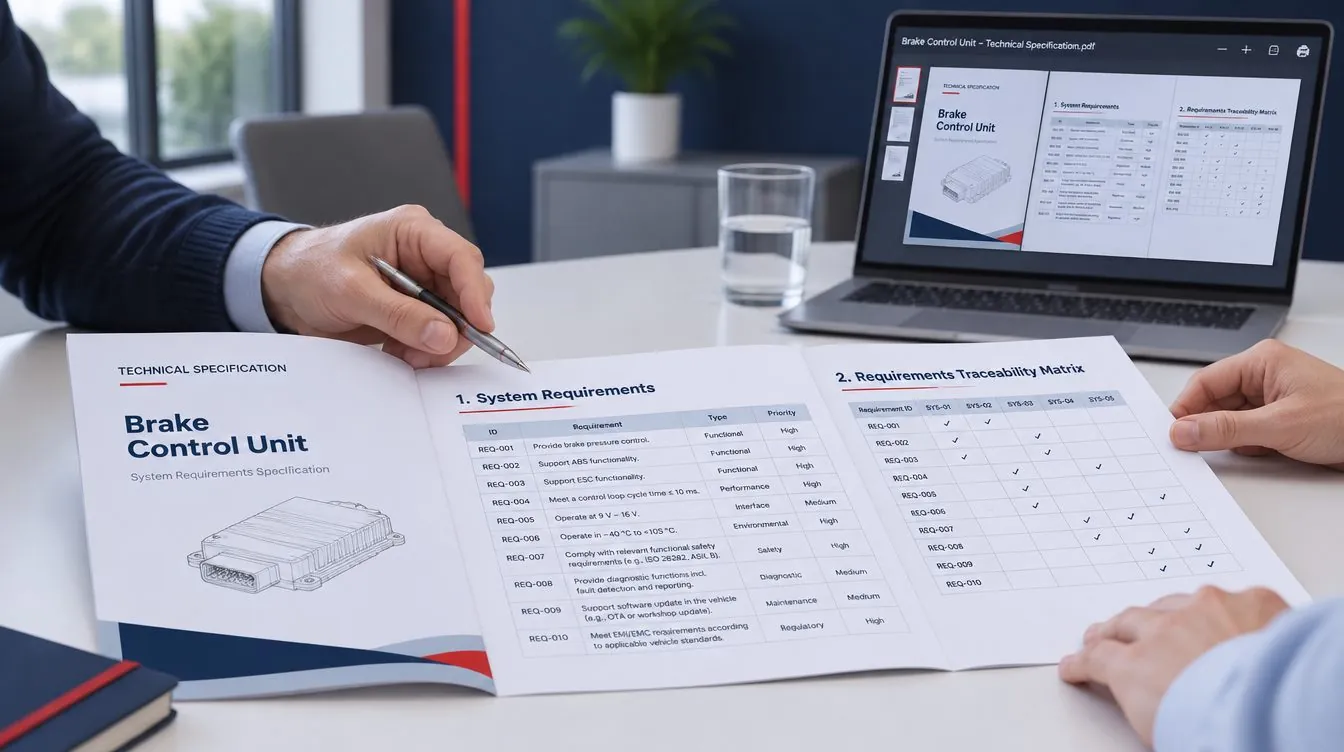
You own the Publishing templates and can change them yourself.
Published on the server, ready to run or schedule.
Documents regenerated for every baseline.
Data sources, variables and how to run it.
Training in IBM Engineering Publishing and Document Builder.

Services
Yes. The template sets the page size, headers and footers, numbering, styles and Word document properties, so the generated document follows your layout.
Yes. A Publishing template can read several data sources in one run and follow the OSLC links between them, for example requirements with their test cases, last results and open change requests.
Yes. The template takes the baseline, stream or global configuration as a parameter, so the document shows exactly the content of that version.
Yes. IBM Rational Publishing Engine (RPE) was renamed IBM Engineering Lifecycle Optimization – Publishing. Existing RPE templates keep working after the upgrade.
The web part of Publishing. It stores templates on the server and lets anyone generate or schedule documents from the browser. From IBM Engineering Lifecycle Management 7.3, a Module Document Generator widget in DOORS Next starts the generation from a module or view, and one run can produce several output formats.
Yes, also when the person who built them has left. We first review the templates and data sources, then decide with you what to fix and what to rebuild.