How is Engineering AI Hub licensed?
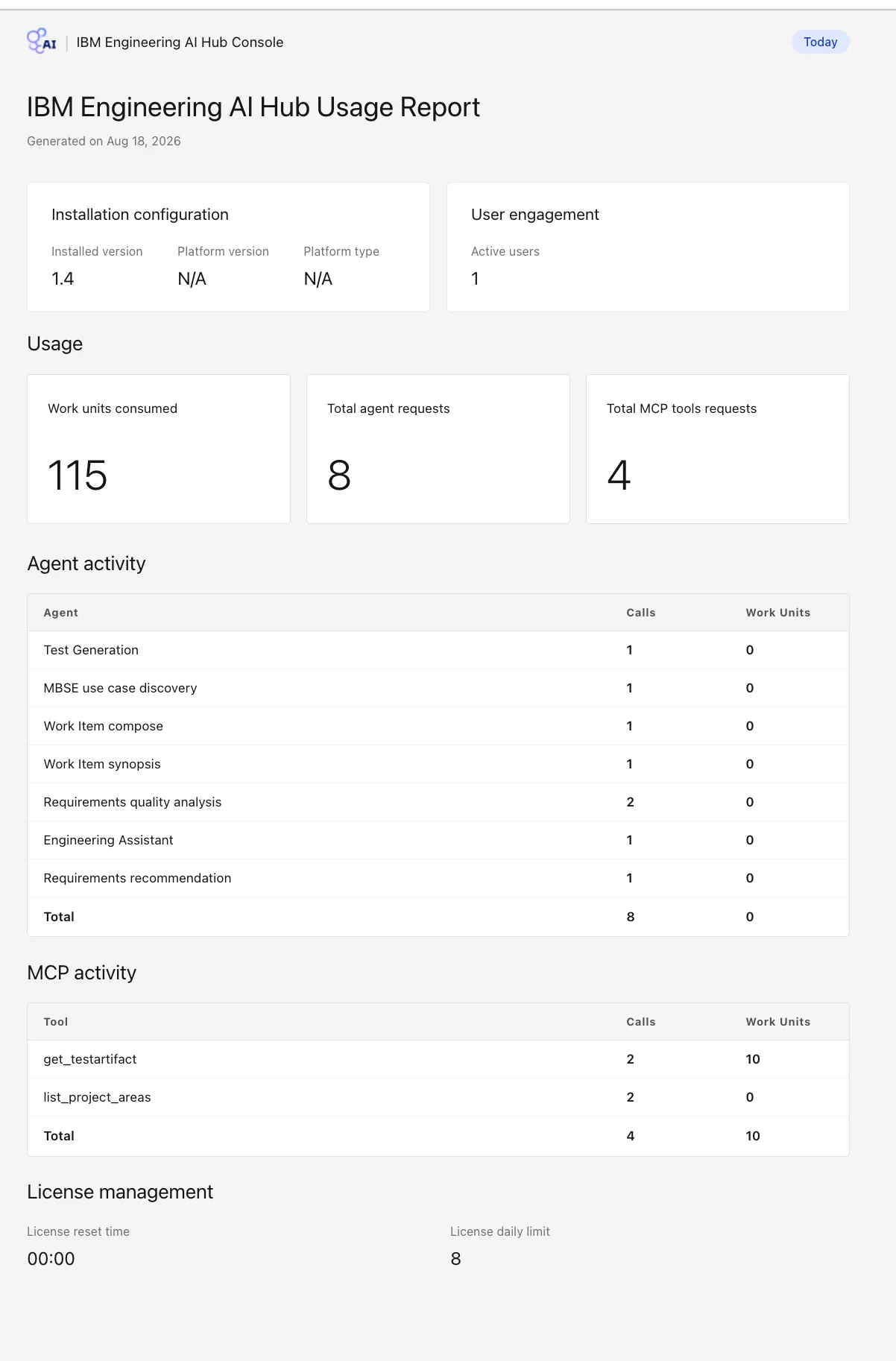
With IBM tokens, from the same token pool as your other ELM applications. The model provider is licensed separately: watsonx.ai, for example, as a cloud subscription with usage, or on premises with your own GPU hardware. We size both from the agents and teams you plan to start with.
Where can it run, and what does it need?
In the cloud, on premises or air-gapped, on Red Hat OpenShift or Kubernetes. It needs IBM ELM 7.1 or later with Jazz Authorization Server, an IBM Common Licensing server with AI Hub licences, a PostgreSQL database, Redis and a model runtime.
Does our engineering data stay under our control?
Agents and MCP tools use your existing ELM sign-in and role-based permissions, so AI sees only what the user may see. Requests go to the model runtime you choose, which can run in your own data centre or in an air-gapped network.
Who is accountable for what AI produces?
Your engineers. AI creates and people evaluate, or people create and AI evaluates. AI-generated changes can require human review before they are applied, and every interaction is recorded.
Can we use our own AI assistant or IDE?
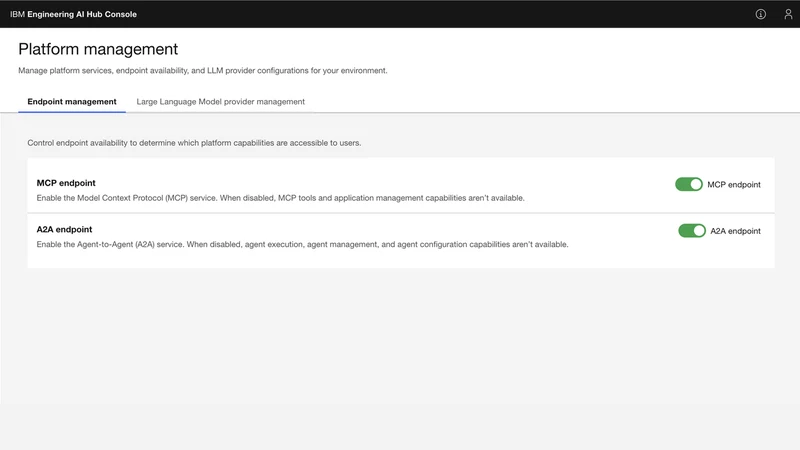
Yes. The governed MCP tools give MCP clients such as IBM Bob or Copilot access to requirements, work items, tests, models and source control. Administrators decide which tools and endpoints are switched on.
How do we get started?
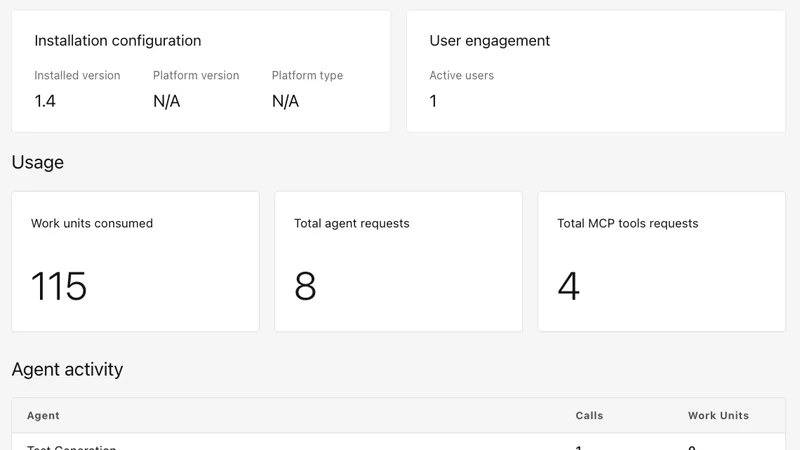
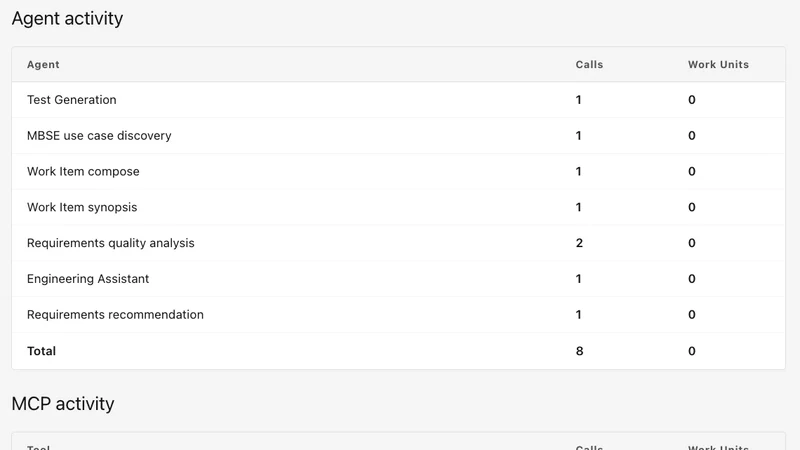
Start with one team and one agent. We set up the environment with you, connect it to your ELM sign-in and token pool, and track usage with the built-in reports before you roll it out further.
What can the MCP tools do?
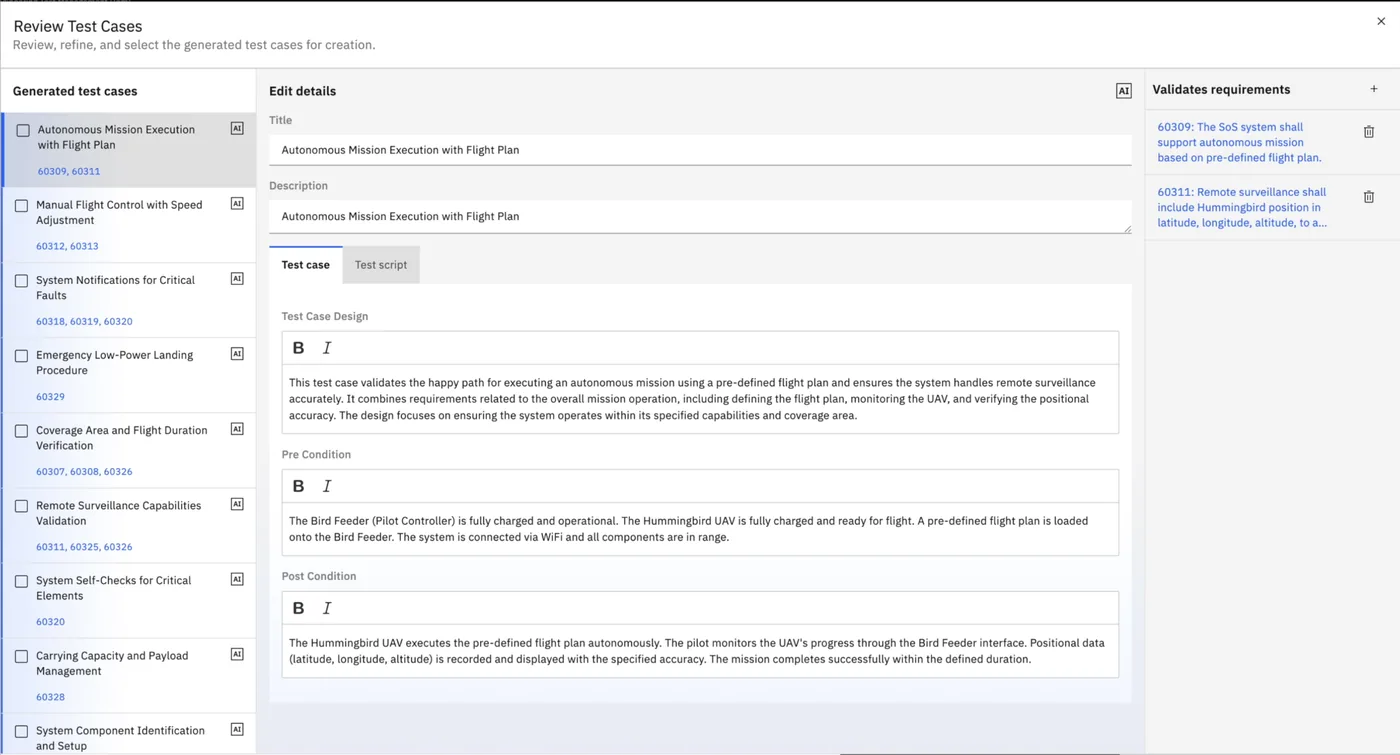
They discover, analyse, act and trace across the lifecycle. For requirements: search and browse, analyse the impact of change, assess coverage and gaps, create and link. For work items and source control: search, compare changes, track iteration status, create, comment and link. For tests: search, analyse coverage and results, assess release readiness, comment and link. For models: search, explore structures, navigate branches and versions, analyse dependencies. IBM Documentation lists all MCP tools in Engineering AI Hub 1.4.
What happens when someone sends a request?
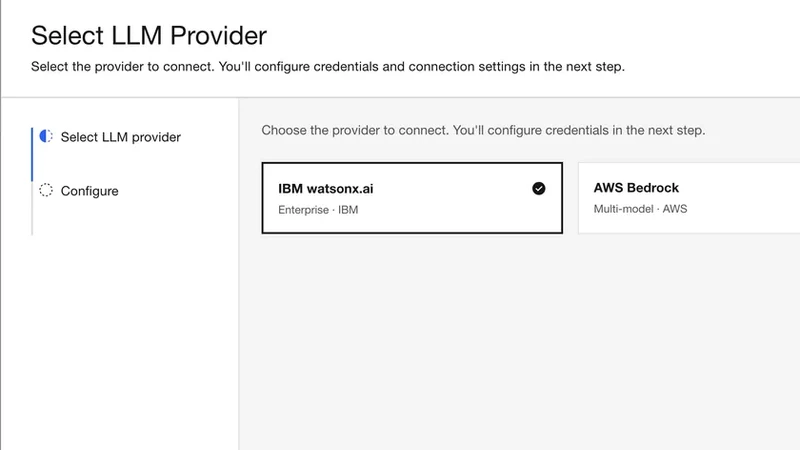
A request starts from an ELM application, an AI assistant or IDE, or an orchestrated workflow. The Supervisor agent intercepts it and delegates the task to the appropriate endpoint. The agent or tool invokes a Large Language Model on watsonx.ai, Amazon Bedrock or Azure AI, and returns the response in its interface.
What can Engineering AI Hub help teams do?
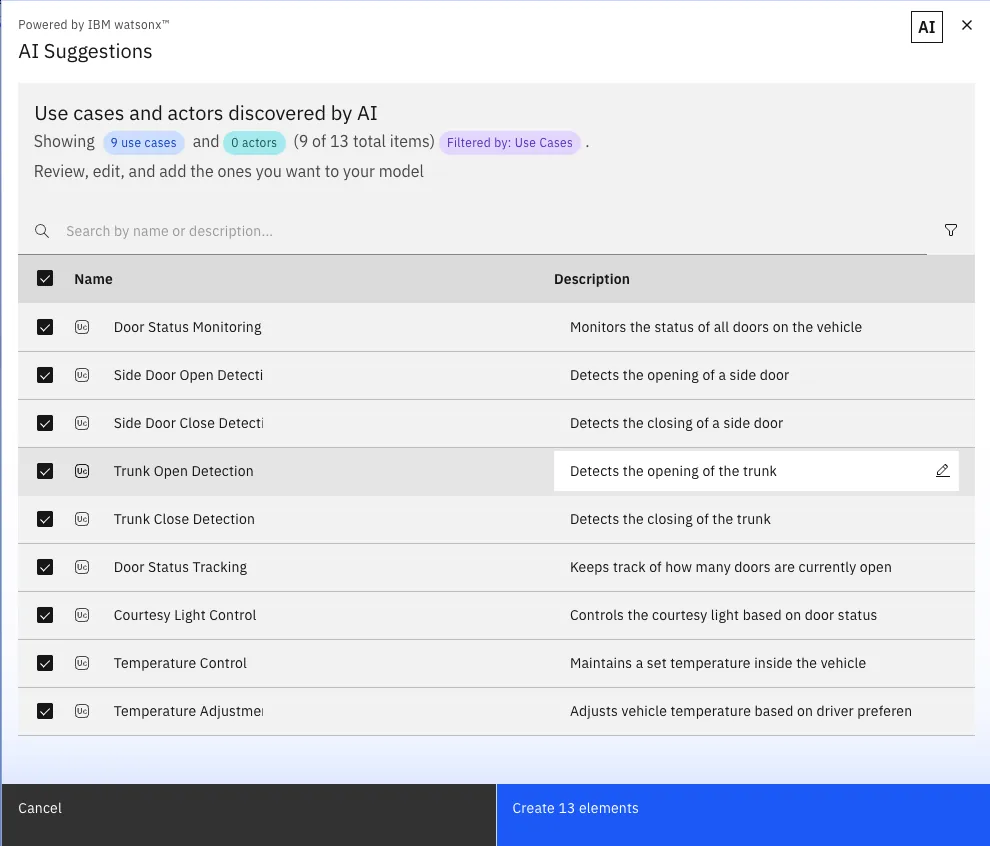
Discover: find engineering artifacts and uncover trusted context. Analyse: generate insights from engineering data and relationships. Act: create and update artifacts and links through AI-assisted actions. Automate: build AI agents and skills that orchestrate multi-step workflows.







 IBM Engineering Requirements Management DOORS Next


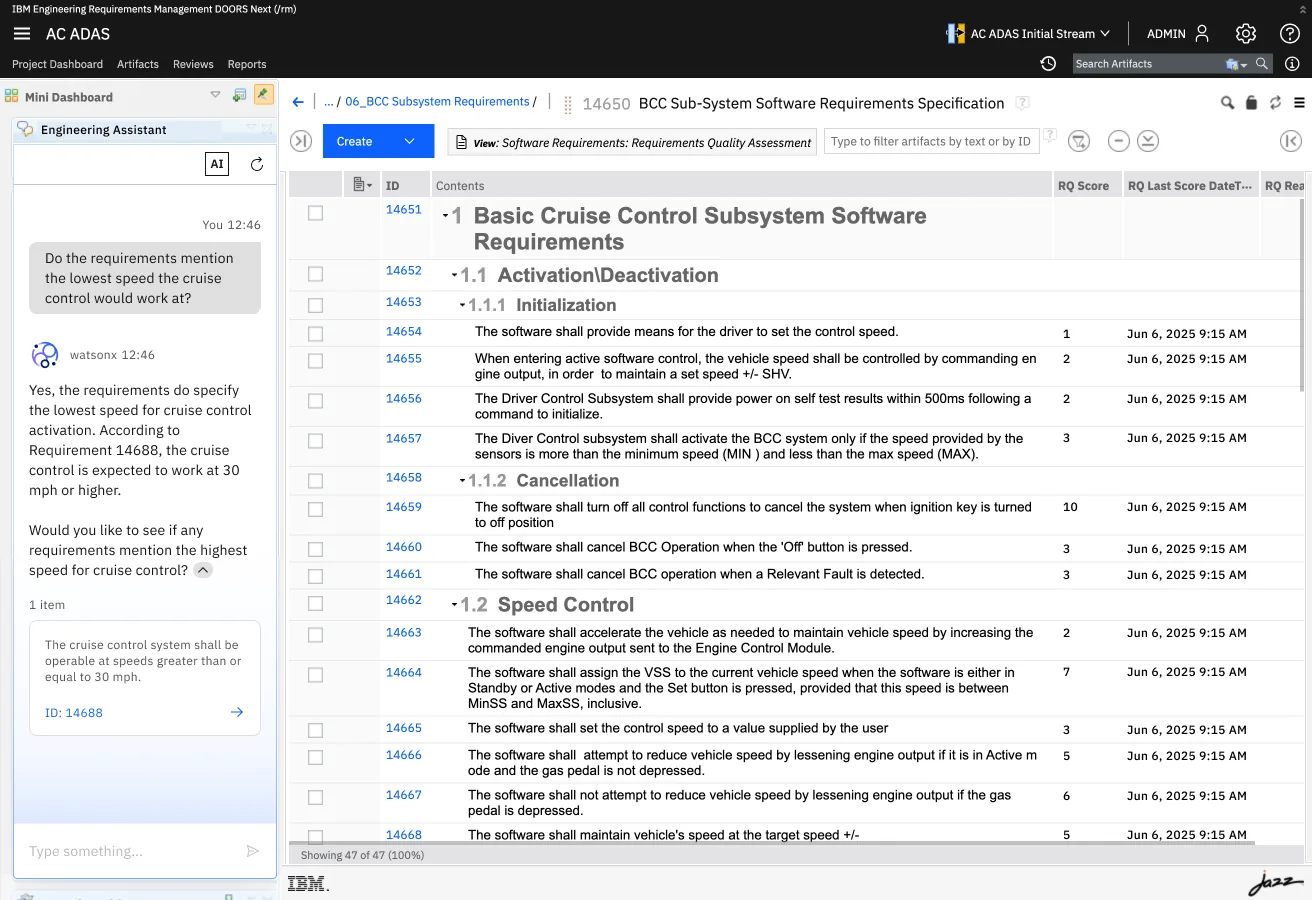
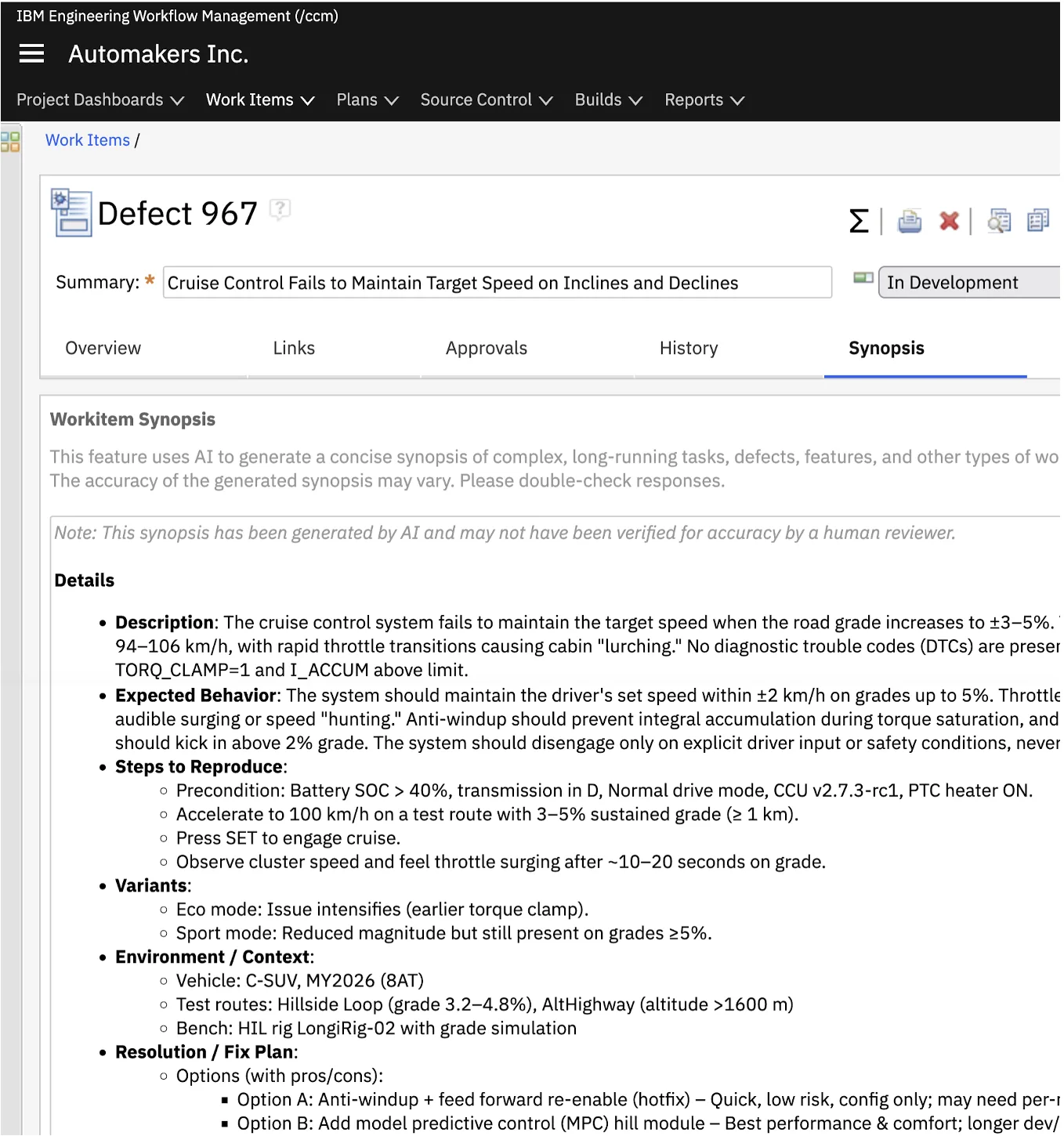
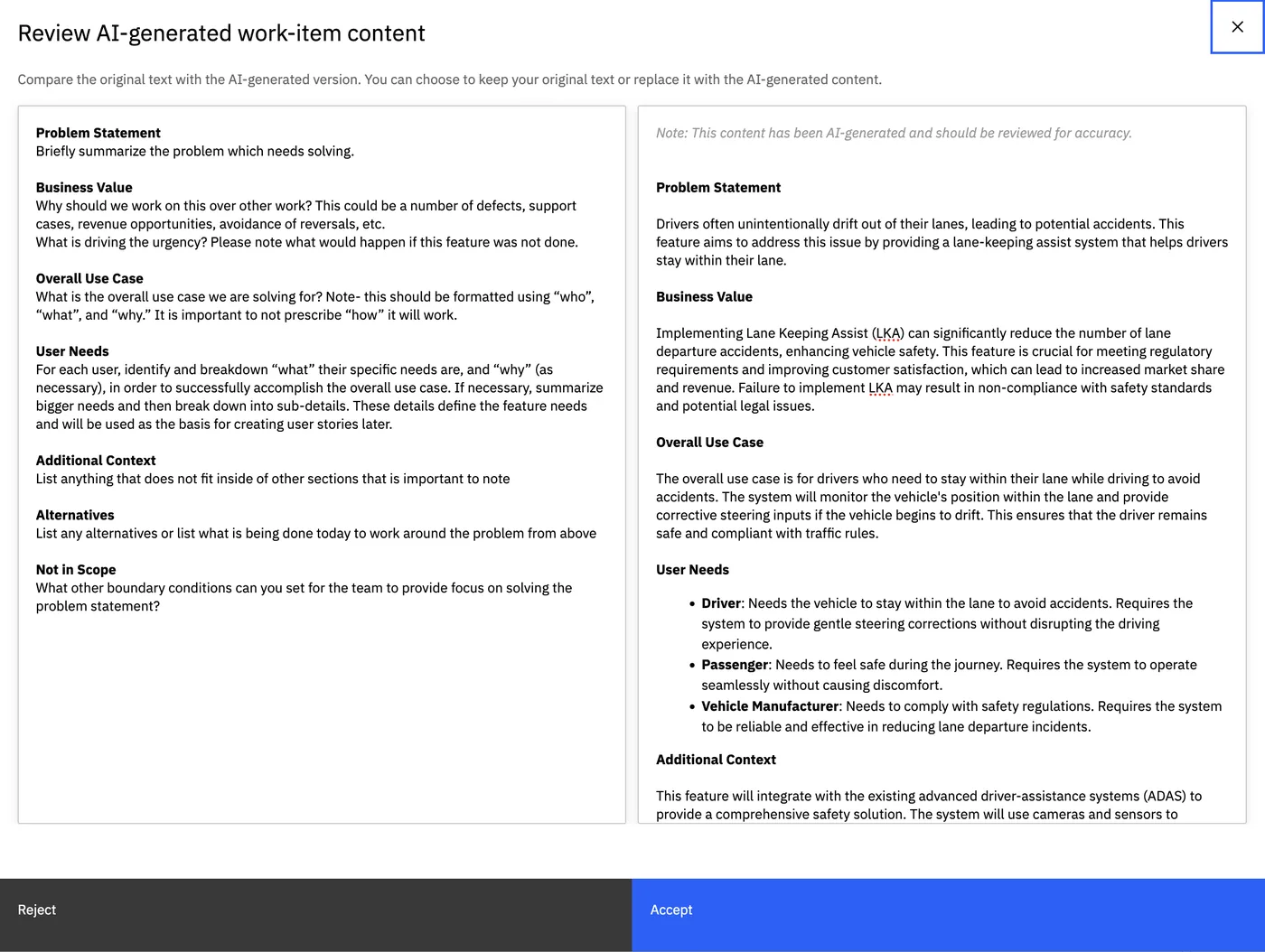


 Engineering AI HubAgents and MCP tools on top of your ELM data and permissions