


A repeatable model
A model and template you can use as the foundation for future projects across your organization.
One workshop, every project
 Template
 Modules
 Attributes
 Link schema
 Baselines
New projects start from the same structure.

 DOORS QuickStart
Overview
IBM Rational DOORS QuickStart helps you install the DOORS family of requirements definition and management software quickly and properly, and set up your project for its best possible start.
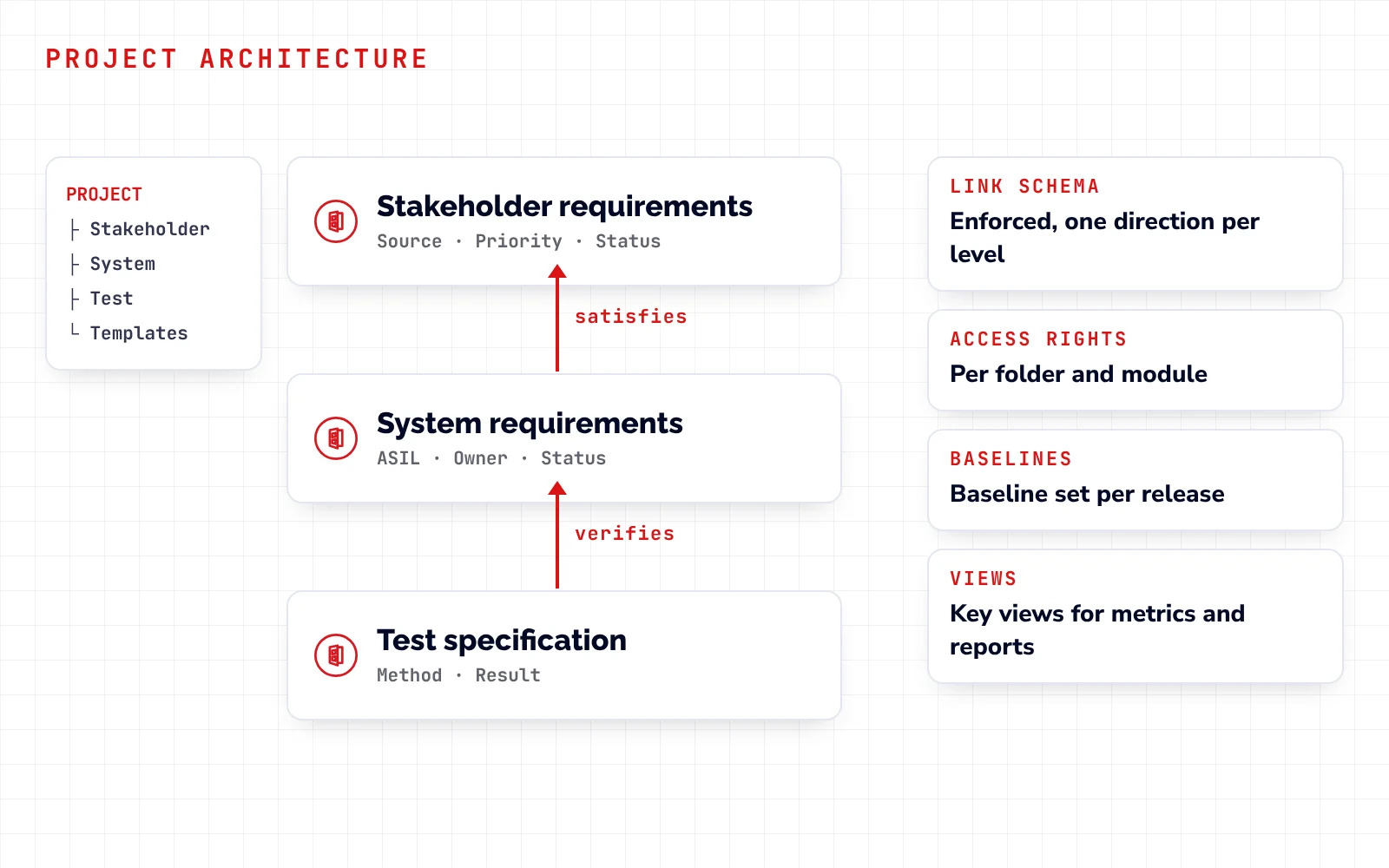
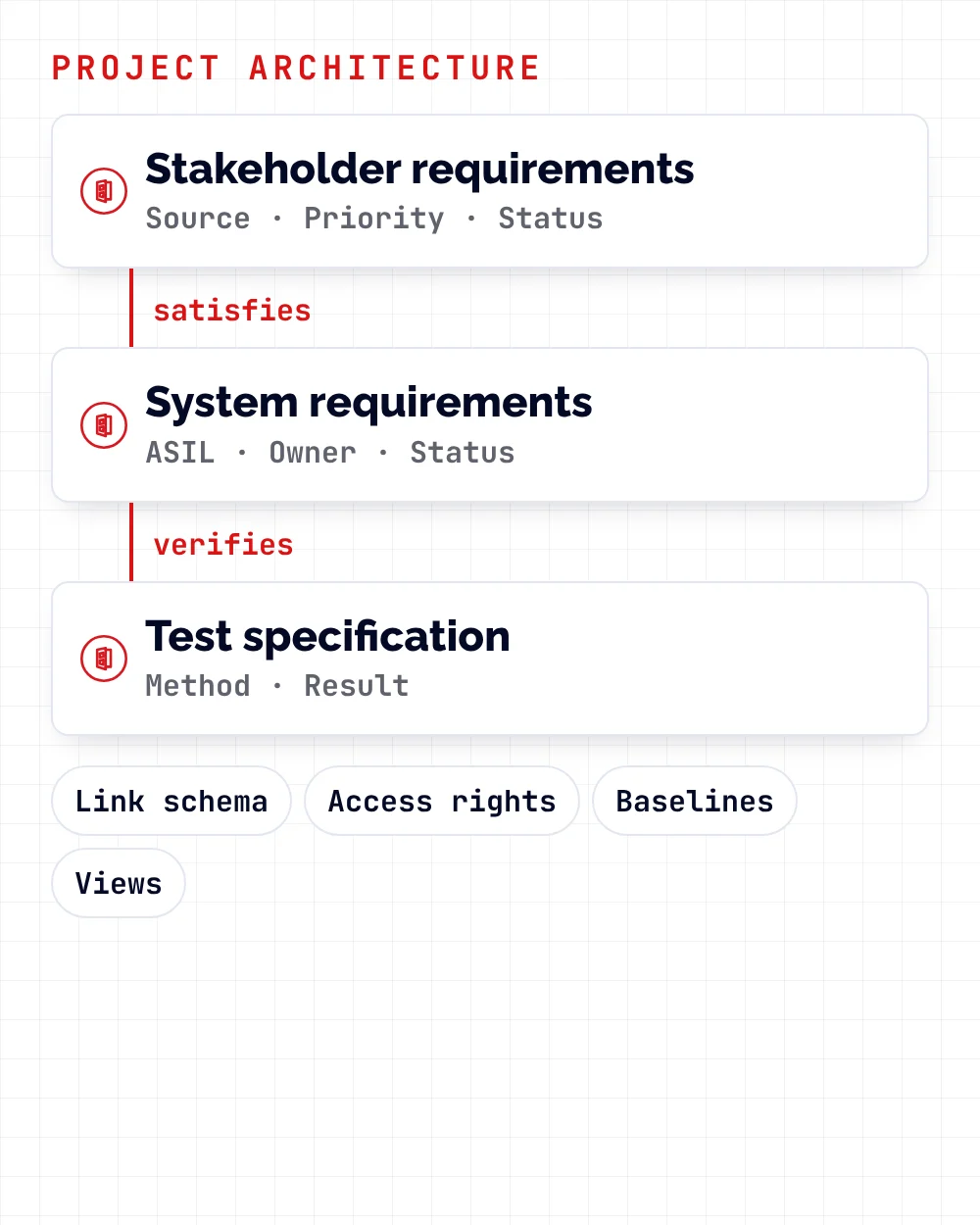
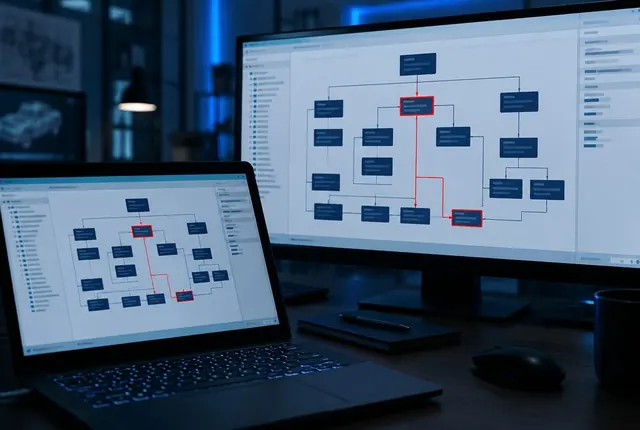
Besides the installation and training, the QuickStart includes a Project Architecture Workshop. Together we define how your data, attributes, links, access rights and baselines are organized, and then build that structure in DOORS.
You get an architecture that is ready for immediate use, with documented procedures, and a model and template you can reuse in future projects across your organization.
What you bring
 A Windows or Linux server
 Your requirements process and legacy data
 Your team, up to 10 people
 DOORS QuickStartInstall · Train · Design · Build
Run by SmarterProcess
After five days
 DOORS installed
 Team trained
 Project architecture
 Template and procedures
Our part
We install DOORS, train your team, run the Project Architecture Workshop and build the agreed structure with you: folders, modules, attributes, link schema, baselines and a project template.
Your starting point
Most teams call us at one of these points. Each one ends with a DOORS project your team can run.
 Licenses bought, nothing installedRequirements in Word and ExcelA database without a plan
Also a starting point
See the five daysYour five days
A fixed agenda: planning, installation, training, then two days of workshop and implementation with your team.
Agreed plan, checklist complete
DOORS server and clients installed and licensed
Your team knows the basics
Project architecture agreed
Your project structure built in DOORS
Scope
A fixed scope, so you know before day one what you get, what you prepare and what we quote separately.
We can quote these separately.
Thinking about DOORS Next?
Benefits
A model and template you can use as the foundation for future projects across your organization.
One workshop, every project
TemplateModulesAttributesLink schemaBaselinesNew projects start from the same structure.

Your project is set up correctly from the first module.
An architecture your team can use right after the QuickStart.
Communication, collaboration, compliance and verification objectives built into the structure.
How to use and maintain the defined architecture, written down for your team.

Products
Services
Typically up to 10 people. All team members should be available during the five days. We run it on-site or remotely.
A workshop where we capture your goals, review the process to support and define data, attributes, folders, access rights, CM and baseline strategy, views and reports. On day five we build it in DOORS.
The QuickStart uses the built-in DOORS security and authentication. External directory services, special network authentication and encryption are outside its scope.
Integrations with other products, DOORS Web Access, DXL scripting or DXL training, and Rational Publishing Engine reports. We can quote them separately.
We identify the DXL customizations you need during the QuickStart. Building them is a separate engagement; see Extending IBM Engineering with Widgets and OSLC.
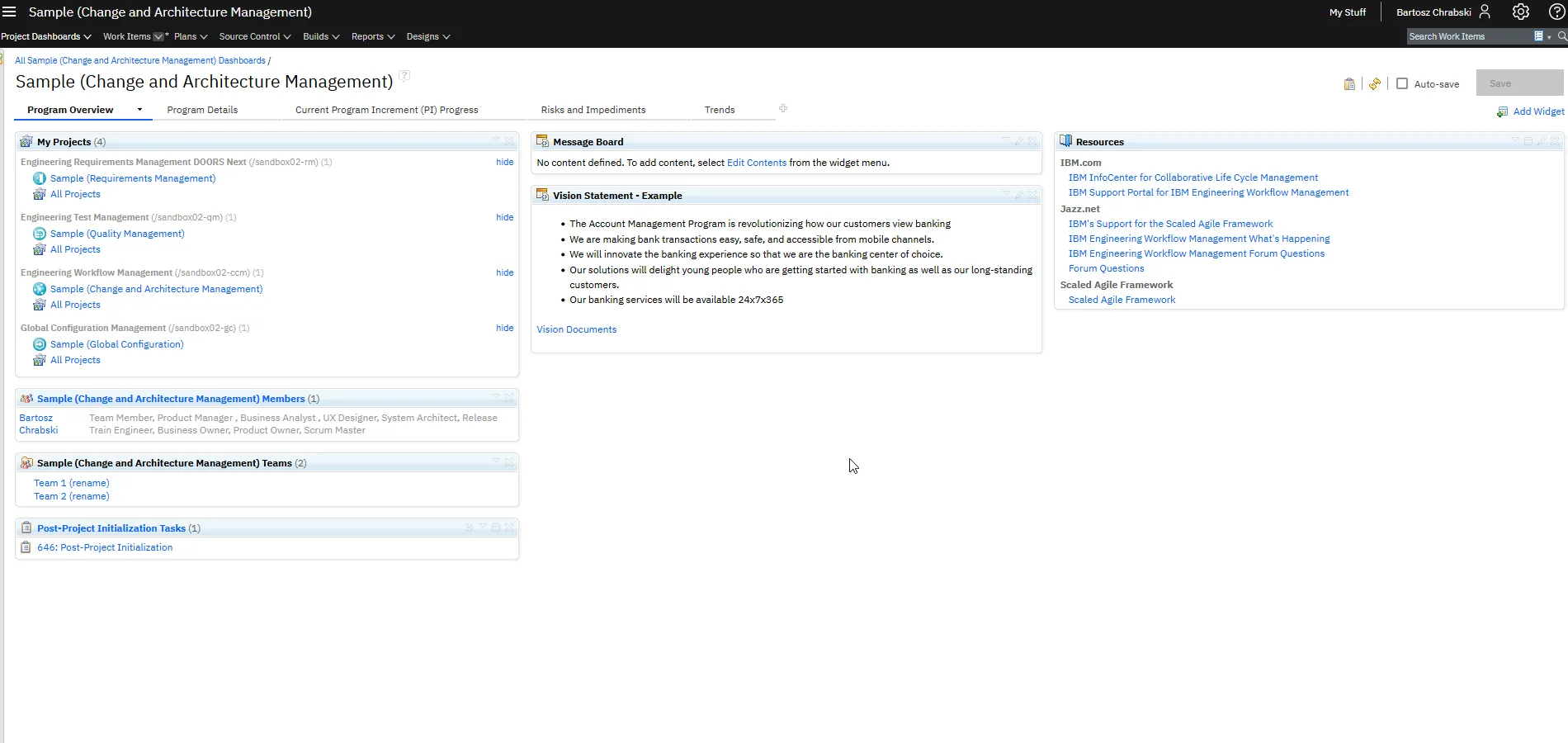
It depends on your projects and your plans for the platform. We can talk it through before you choose; DOORS Next has its own QuickStart.