
The Software and Systems Engineering Experts​
SmarterProcess logo

Contacts

SmarterProcess / ReqPro

ul. Antoniego Pajdaka 5/98
03-134 Warsaw, Poland
NIP : 8921405210
Regon : 146293701

About Products

About us

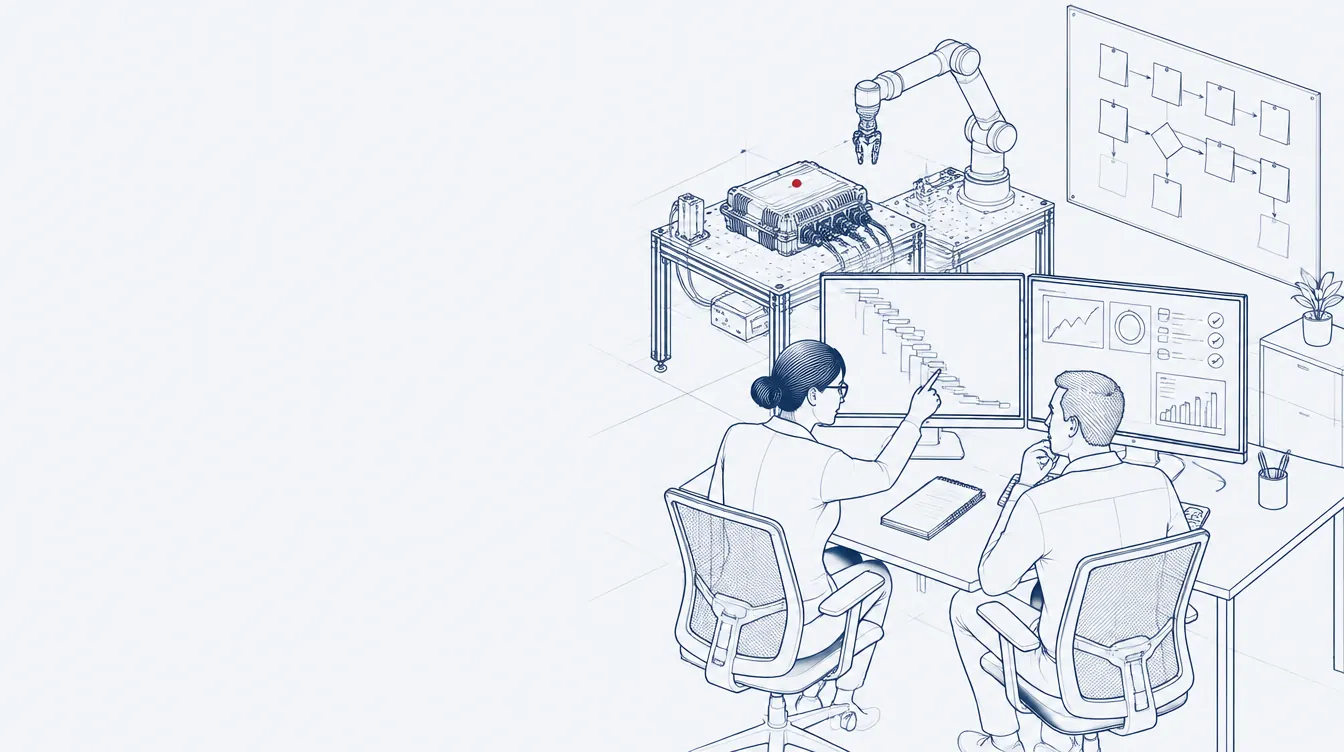
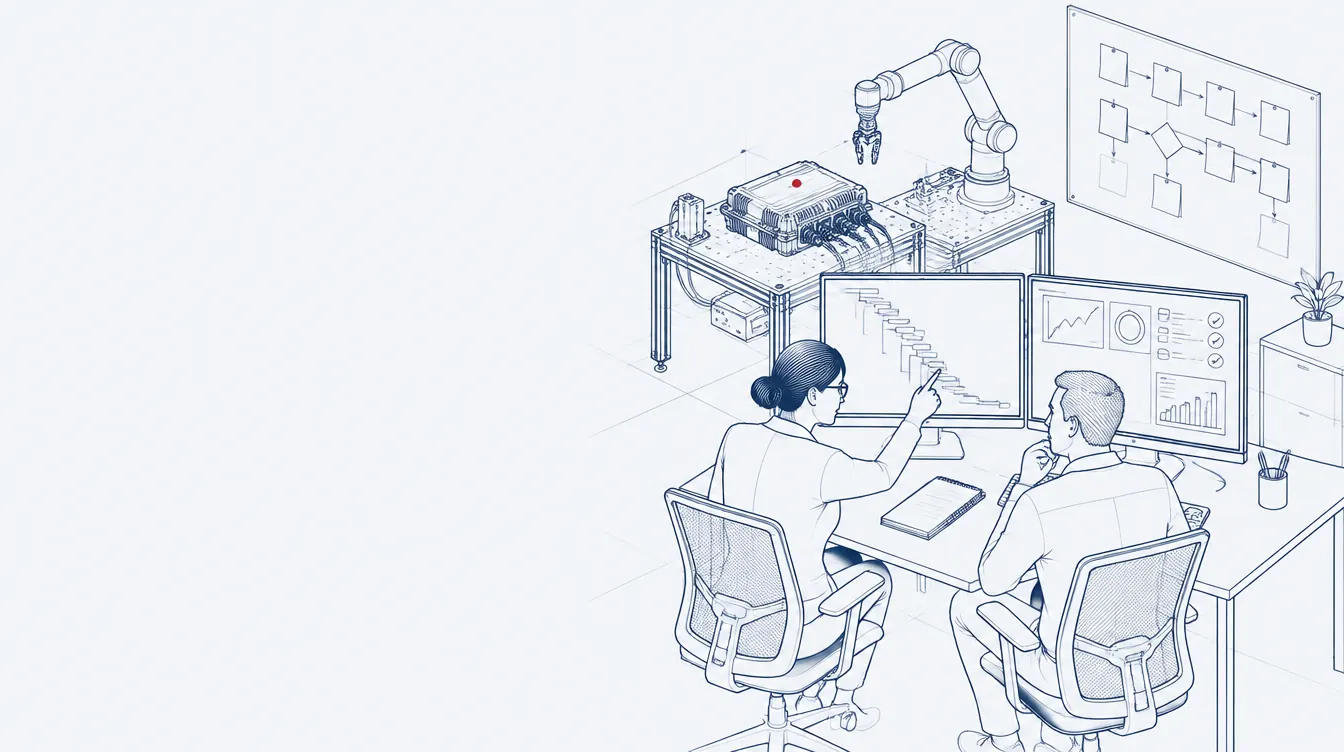
Ink drawing: a consultant beside a client engineer at two monitors, with a control unit on a test bench behind them
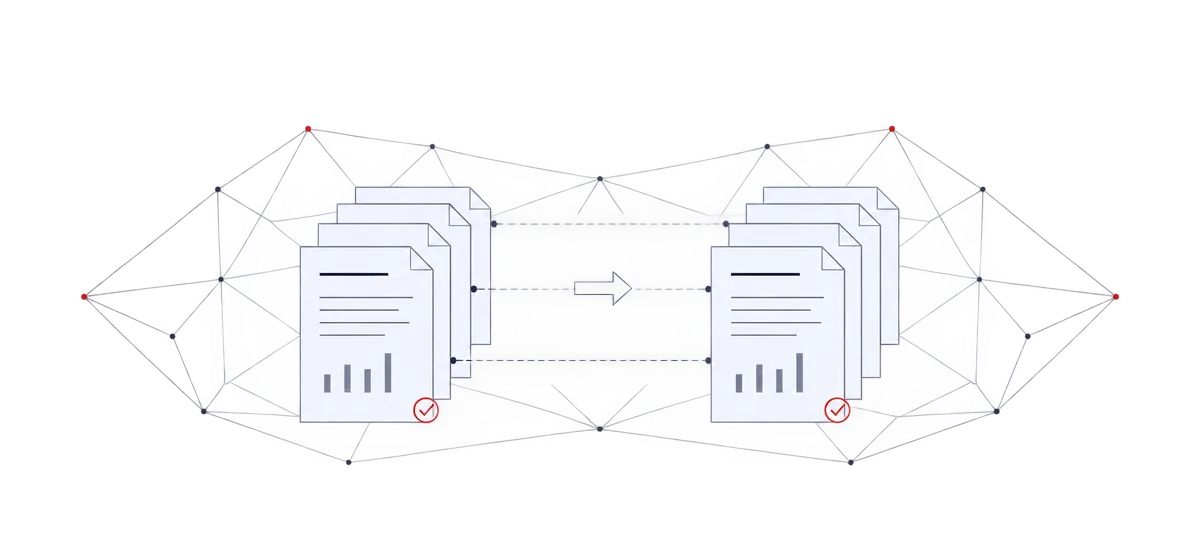
Sketch: a completed checklist with an acceptance seal and a key on a server module

Migrated and validated · your teams keep working

IBM Engineering DOORS Next

Migrate IBM DOORS 9 to DOORS Next without losing traceability

We analyse your DOORS 9 databases, design the target model in DOORS Next and move your requirements in phases, so your links stay intact and your teams keep working during the move.

Overview

Move your requirements to DOORS Next and keep the traceability you built in DOORS 9

DOORS 9 has carried requirements for safety-critical programs for decades, but it sits outside the IBM Engineering Lifecycle Management web platform. DOORS Next shares that platform with Test Management, Workflow Management and Rhapsody Model Manager, and it is where IBM delivers new capabilities.

A migration changes the data model. DOORS Next uses a different type system, a different link model and components instead of standalone modules.

Decisions made at the start, such as which modules to restructure and how to handle baselines, decide whether you end up with a clean platform or with DOORS 9 rebuilt in a browser.

DOORS 9.xDOORS NextGlobal ConfigurationReqIF

Your data

What happens to your DOORS 9 data

Most of your DOORS 9 data moves as it is. A few areas work differently in DOORS Next, and we agree them with you in the assessment, before anything moves.

Moves as it is

  • Objects, text, attributesMigratedArtifacts with attribute types set in the target design
  • Link modulesMigratedLink types
  • Formal modulesMigratedModules in components, structure kept or redesigned

Agreed with you in the assessment

  • HistoryDecisionHandled per project
  • BaselinesDecisionThe baselines you still need, with configurations across components
  • Views, filters, triggersDecisionThe views people use most are rebuilt, the rest documented

Works differently in DOORS Next

  • DXL attributes and layoutsReplacedValues migrated, logic replaced by views or SmarterWidgets
  • Suspect linksReplacedReset at switchover and reviewed with your team

For your own databases, this comes back filled in, module by module, in the assessment report.

Approach

Replicate your DOORS 9 structure, or redesign it for DOORS Next

This is the main decision of the project, and you make it per project, not once for the whole database.

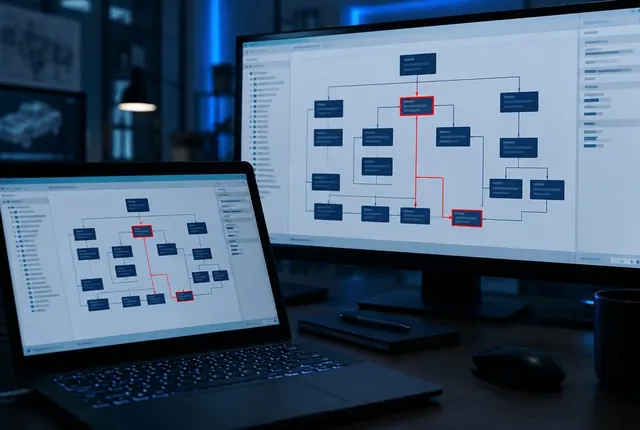
A consultant and an engineering team reviewing a requirements structure on a wall screen

Replicate

Keeps the DOORS 9 structure, so the team recognises every module on day one.

Choose it when

  • The project is finished or stable
  • The team needs the familiar structure on day one

Trade-off: faster to prepare, but the module-by-module structure stays.

Redesign

Restructures modules into components and reusable types, built for how DOORS Next works.

Choose it when

  • You manage product lines or variants
  • You want to reuse requirements across products

Gives: components and reuse across products. Global configuration for product lines is available as a separate service. Trade-off: more preparation.

Many projects mix both: active product lines are redesigned, finished projects are replicated or archived.

How it runs

DOORS 9 keeps running while we move you to DOORS Next

Both platforms run side by side. A module is read-only only during its own migration window. You keep every decision.

  1. Phase 1

    Assessment

    An inventory of modules, types, links, views, DXL and triggers, and of what is still in use. Then the target design.

    DOORS 9
    All projects keep working
    DOORS Next
    Not in use yet
    Assessment report and a plan with milestones
  2. Phase 2

    Pilot

    A representative set of modules moved to a test server and checked by your users on real data.

    DOORS 9
    All projects keep working
    DOORS Next
    Test server
    A pilot your users have checked
  3. Phase 3

    Migration in waves

    Projects move one wave at a time, after cleanup in DOORS 9. Each wave is validated before the next one starts.

    DOORS 9
    Projects in later waves keep working
    DOORS Next
    Each wave goes live
    Validation report after every wave
  4. Phase 4

    Daily work

    Training by role on your own migrated data, and support in the first weeks. Inactive modules stay in a read-only DOORS 9 archive.

    DOORS 9
    Read-only archive
    DOORS Next
    Daily work
    A trained team and a read-only archive

Every phase ends with something you can check before the next one starts.

Talk to a consultant

What you get

Traceability you can show to an auditor

A quality engineer checking a validation report with before and after comparisons

Traceability kept, and proven

Links and attributes move with your requirements, and coverage is measured before and after each wave.

  • ObjectsCompared
  • Attribute valuesCompared
  • LinksCompared
  • Traceability coverageMeasured on both sides
Part of the validation report you receive.
  • Assessment report

    What you have in DOORS 9 and what happens to each module.

    Assessment
  • Target model in DOORS Next

    Artifact types, attributes, link types and components, replicated or redesigned per project.

    Assessment
  • Pilot on a test server

    Checked by your users on real data before the first wave.

    Pilot
  • Validation report

    Counts and coverage before and after, for every wave.

    Each wave
  • Training by role

    For authors, reviewers and administrators, on their own migrated data.

    Switchover
  • Read-only DOORS 9 archive

    Inactive modules stay available without being migrated.

    End
FAQ

Questions we hear before a DOORS migration

How long does a migration take?

It depends on the number of modules, the quality of the data and the approach you choose. After the assessment you get a plan with milestones.

What happens to the change history?

DOORS Next stores history differently, so it is handled per project according to the approach agreed in the assessment.

What happens to our DXL scripts?

DOORS Next does not run DXL. Calculated values can be migrated, and the logic is replaced with views, widgets or scripts. For many DXL features we have SmarterWidgets 2.0.

Which DOORS 9 versions can you migrate?

Any DOORS 9 version.

What about data we exchange with suppliers via ReqIF?

ReqIF exchange continues from DOORS Next after the migration.

Do we need new licences?

It depends on the project. We agree it with you in the assessment.

How much does a migration cost?

We quote it after the assessment, when the scope is known.

Can we migrate straight to a hosted environment?

Yes. The target can be your own servers or our managed IBM Engineering hosting.

Talk to our consultants

Leave your details and we will get back to you, usually within one business day.

    We will only use your details to respond to your inquiry. Privacy policy