
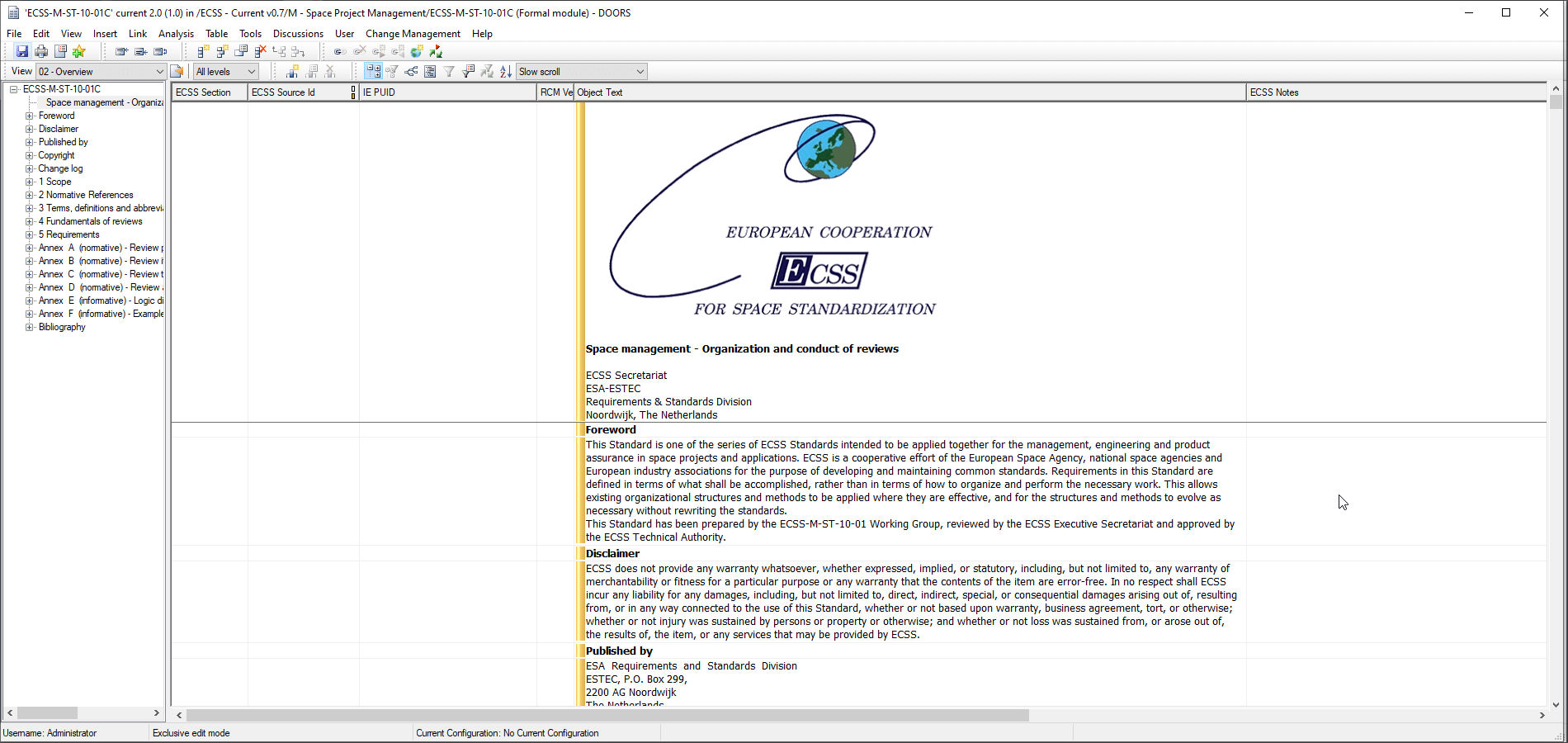
Formal modules that read like a specification
Each requirement is an object with its own ID, attributes and history. In shareable edit mode, several engineers edit one module at once.


Requirements, desktop
The desktop requirements tool many aerospace and defense programs still run, with a clear path to DOORS Next.
 Rational DOORS
IBM Rational DOORS is the desktop requirements tool that IBM now sells as IBM Engineering Requirements Management DOORS, often called DOORS 9. It is the same product, and IBM still ships fix packs for it.
If your licenses, documents or scripts still say Rational DOORS, nothing breaks. Databases and DXL scripts carry over to the current 9.7.2.x release.
Aerospace, defense, automotive and rail programs keep DOORS 9 because their specifications, baselines and supplier exchange live there. New features go into its successor, IBM Engineering Requirements Management DOORS Next.
We keep DOORS 9 installations of any age running: upgrades, hosting, licenses, DXL work and training. When you decide to move, we migrate one project at a time.
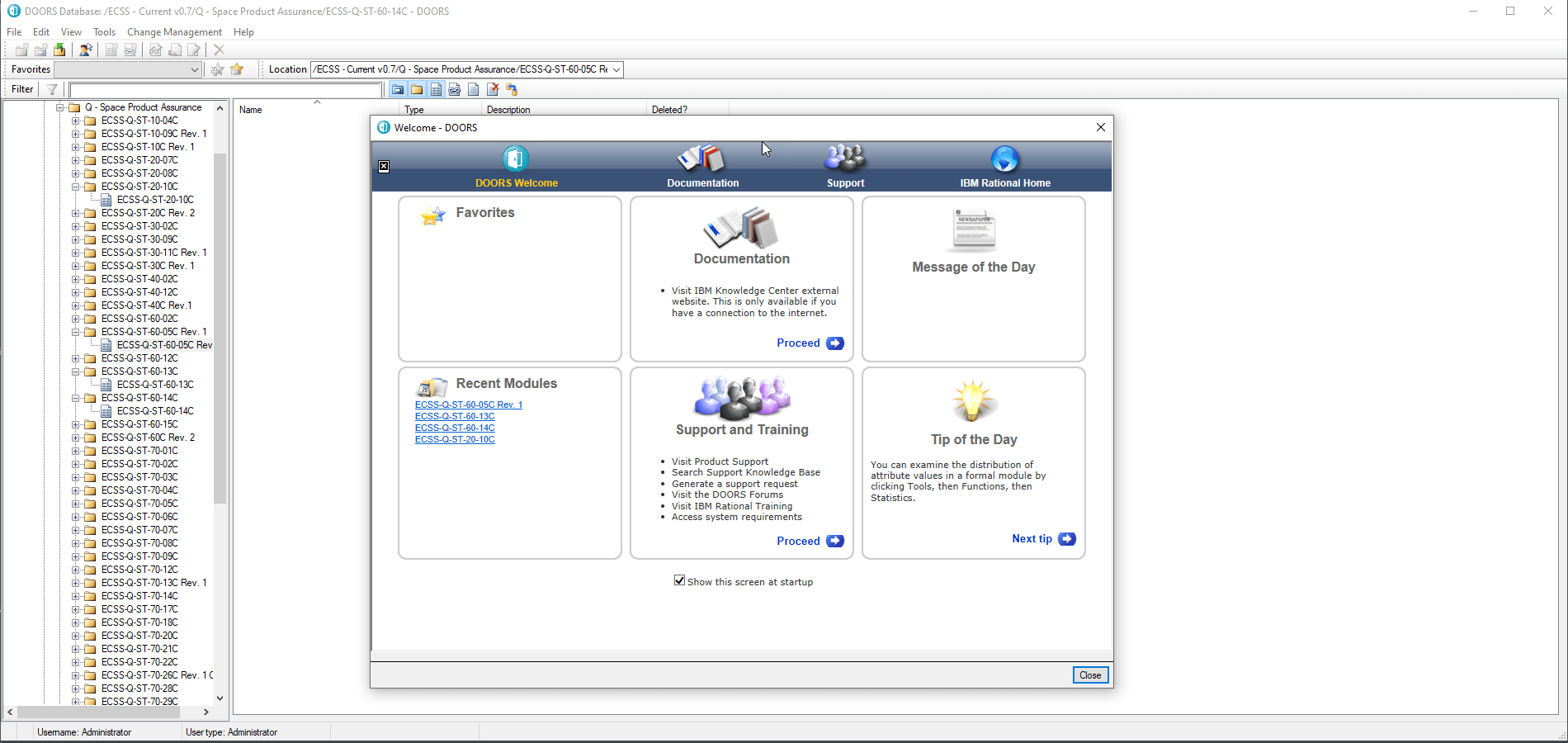
Not sure which release you run? In the DOORS client, open Help > About DOORS and send us the version number. We will tell you what the upgrade involves.
Find the line closest to your team. Each one shows what changes when SmarterProcess takes it on.
Your servers or ours. Both run the same IBM release with the same IBM support.
Database server on Windows or Linux, the client on engineers' Windows PCs. Your IT runs it; we step in for upgrades and DXL work.
We apply fix packs and run backups on servers reserved for your company. Engineers connect with the client or through DOORS Web Access.
9.7.2.12 is the latest fix pack, released in 2026. IBM Support takes your cases while your licenses are under Subscription and Support.
LicensesAuthorized for named daily usersFloating for occasional usersAsk for a license review
Each requirement is an object with its own ID, attributes and history. In shareable edit mode, several engineers edit one module at once.
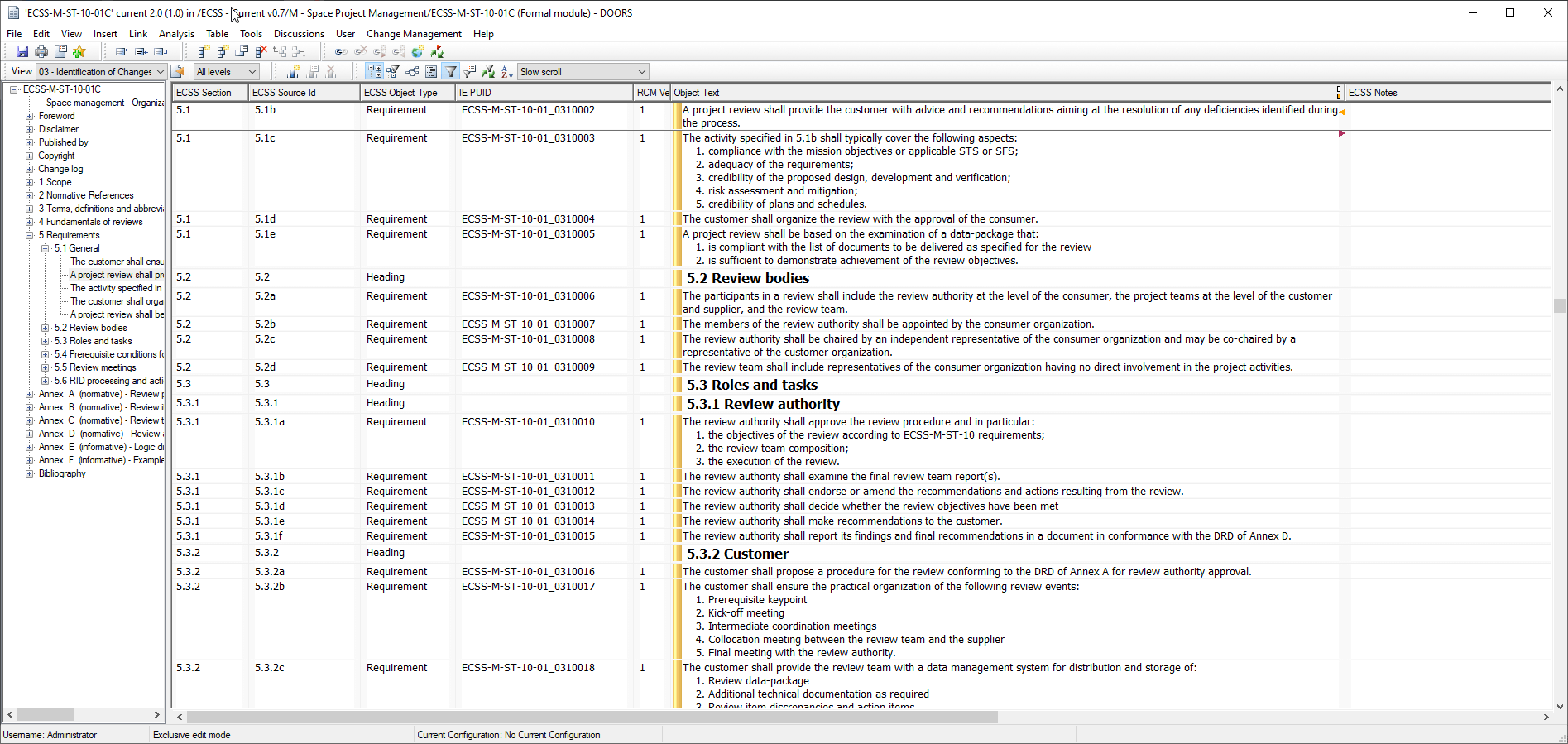
Save columns, filters and sort order as a view. The view above puts section, source ID, object type and text side by side.
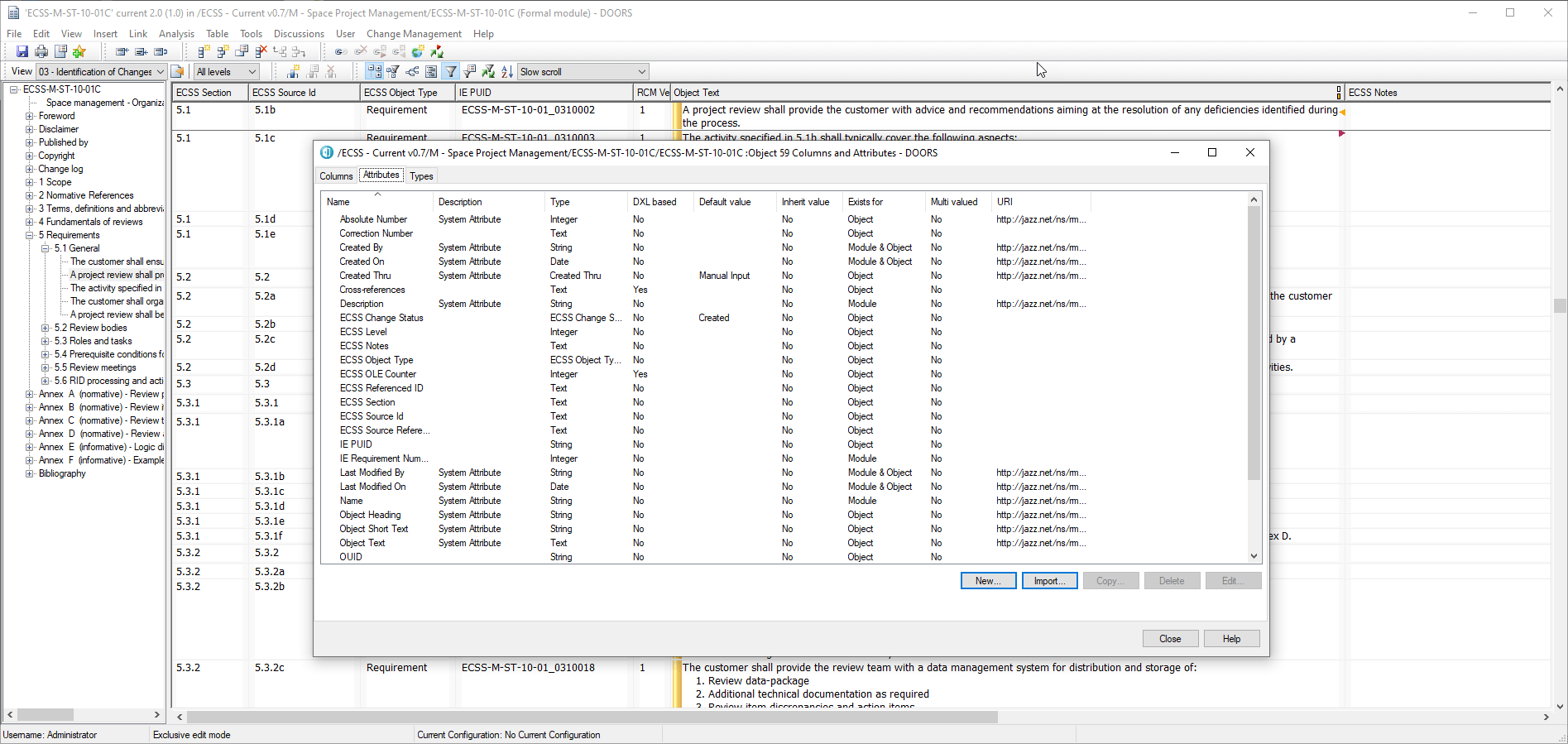
Status, priority, owner or safety level, with types and default values set for each module.

Export a module to Word for readers who do not use DOORS, with the layout of your view.
Drag a requirement onto a design item, a test case or another requirement to link them. Reports show what is covered and what is missing.
Every change is recorded at module and object level. A baseline freezes a version of the module for audits.
The DOORS eXtension Language runs importers, exporters, impact analysis and your own tools.
Create, review and discuss requirements in the browser, without the desktop client.
Link requirements to test cases, record and compare test runs.
What each standard asks for, and what Rational DOORS gives you to show it.


Requirements with a unique ID, status and attributes
Module objects with IDs and attributes, in views for each teamISO 26262-8, clause 6Bidirectional traceability between requirement levels
Links between modules, with traceability viewsASPICE SYS.2, SWE.1Requirements exchanged with OEMs and suppliers
ReqIF exchange with OEMs and suppliers

Trace data between system, high-level and low-level requirements
Links across modules and levels, with traceability reportsDO-178C 5.5, 11.21Configuration management with baselines
Baselines and history for each moduleDO-178C section 7

Software requirements, including risk control measures
Requirements and risk controls as linked module objectsIEC 62304, 5.2Trace from hazard to risk control, requirement and verification
Links from hazard to control to testIEC 62304, 7.3.3

Requirements traceable through the RAMS and software lifecycle
Links from system and safety requirements down to software requirementsEN 50126, EN 50716Hazards and safety requirements kept in step
Hazard records as module objects, linked to the requirements that mitigate them IBM Engineering Requirements Management DOORS NextSuccessor, linked during migration
 IBM Engineering RhapsodyModels satisfy requirements
 IBM Engineering Lifecycle Optimization – PublishingSpecifications as documents
 Rational DOORSThe requirements baseline. Design, tests and work items link back here.
Send a specification out as ReqIF, merge the supplier's changes back.

Links to IBM Engineering Lifecycle Management tools through DOORS Web Access.
Import from Word and Excel, export to Word, Excel and PowerPoint.

Read and write module data from your own tools with DXL scripts.
Trusted in regulated industries
Our clients build products under strict standards and regular audits. We supply licenses, implementation, hosting and training.
Our clients build products under strict standards and regular audits. We supply licenses, implementation, hosting and training.















































We are a partner and reseller of these technology providers.



Trainings
Yes, under a new name. IBM renamed Rational DOORS to IBM Engineering Requirements Management DOORS. It is the same product, often called DOORS 9, and IBM still releases 9.7.2.x fix packs.
Yes. We upgrade Rational DOORS 9.x databases to the current 9.7.2.x release, check DXL scripts and add-ons on a copy first, and move clients and DOORS Web Access without losing history.
Yes. IBM still releases DOORS 9.7.2.x fix packs. New features, such as AI agents from IBM Engineering AI Hub and global configurations, go into DOORS Next.
Project by project, with migration packages or ReqIF. We review DXL first: for most DXL scripts we have SmarterWidgets 2.0, our 30+ ready-made widgets for DOORS Next (link checks, module diff, baseline archive and more). Built-in features cover others, and the rest we rewrite.
Yes. DOORS 9 imports and exports Requirements Interchange Format (ReqIF) files, so suppliers can work in their own tool and send changes back.
Yes. We write new DXL scripts, fix old ones after an upgrade and document what each script does before a migration.
Yes. During a migration, requirements in both tools can be linked through OSLC, so teams move one project at a time.
A formal module is a collection of objects. Objects can hold requirements, explanatory text, graphics and other information such as hyperlinks and OLE objects. Change bars show the state at a glance: blue has not changed since the last baseline, yellow has changed since then and is saved, red has changed in this session and is not saved.
DOORS records history at module level, such as attribute definition changes and object moves, and at object level, such as attribute and link modifications. You can generate an audit trail with all changes since the last baseline.
Yes. Start in Word and export the document straight into a DOORS module.
Access control follows the structure: database, project, folder, module, object and attribute. By default each level inherits access rights from its parent, and you can override them at any level.
Add them to the IBM Engineering Lifecycle Management Mini Dashboard and hand repetitive requirements work over to them. Each one previews its changes first.
Browse all widgets