



Trainings


Documents, IBM Engineering Lifecycle Management
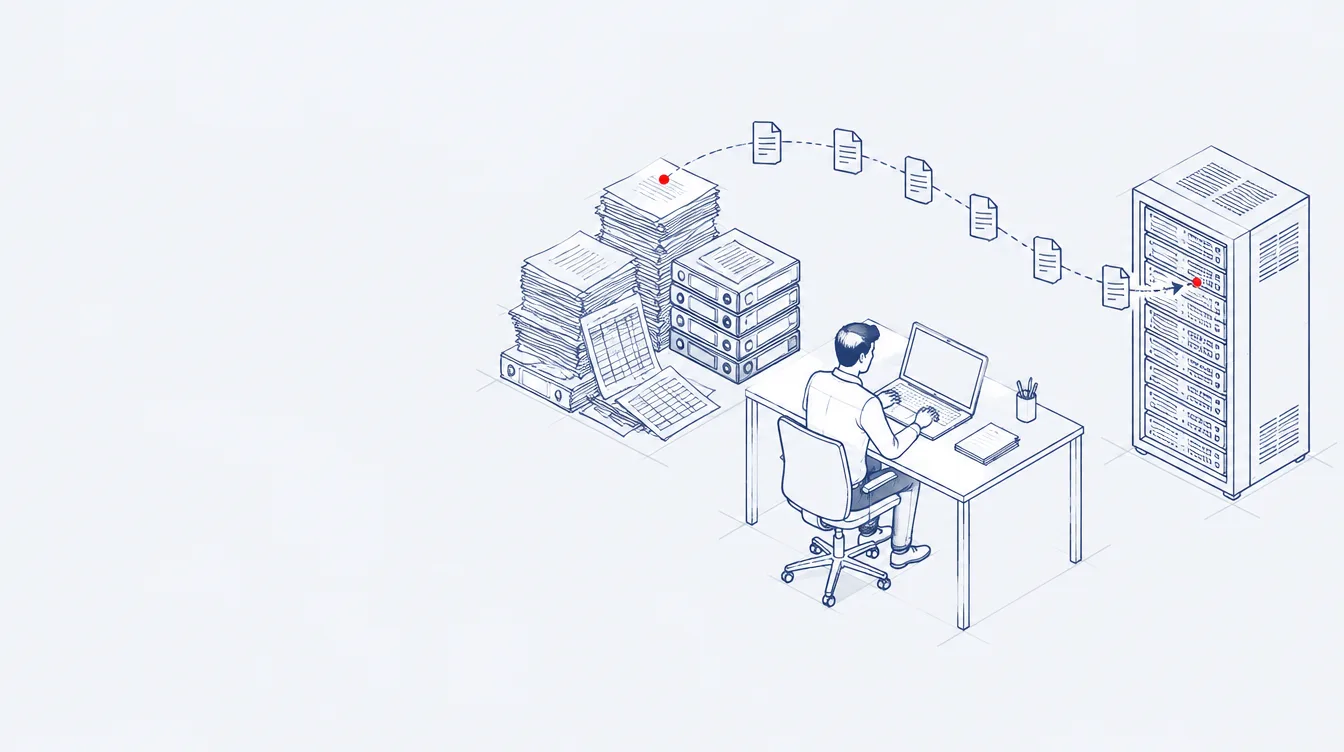
Specifications, traceability matrices and compliance documents generated from IBM Engineering Lifecycle Management data with reusable templates.
 Publishing
IBM Engineering Lifecycle Optimization – Publishing, formerly IBM Rational Publishing Engine (RPE), generates specifications, test reports and traceability matrices from engineering data.
You design a template once in Document Studio and generate Word, PDF, HTML, Excel or XSL‑FO output from it for every baseline. One document can combine data from IBM DOORS, DOORS Next, Rhapsody, Workflow Management and Test Management.
Document Builder runs generation on the server, so people without Document Studio can start or schedule a report from the browser.
Templates import Word layouts, apply your style sheets and add scripts for logic, so each document looks the way a customer or regulator expects. XML and REST data sources read from tools by other vendors too. Existing Rational Publishing Engine templates keep working after the upgrade, and DXL exports from DOORS 9 can move to Publishing templates.
Find the line closest to your team. Each one shows what changes with Publishing.
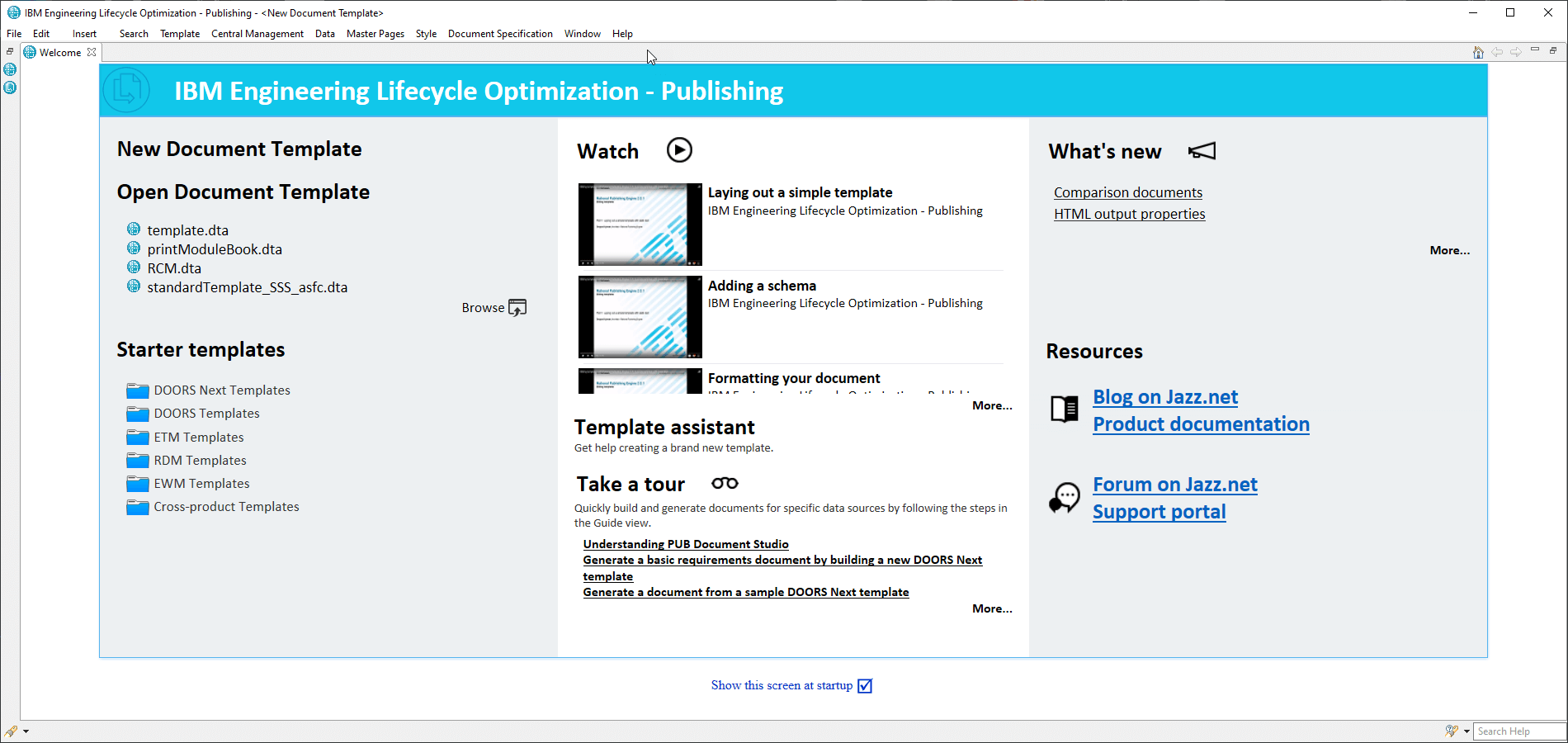
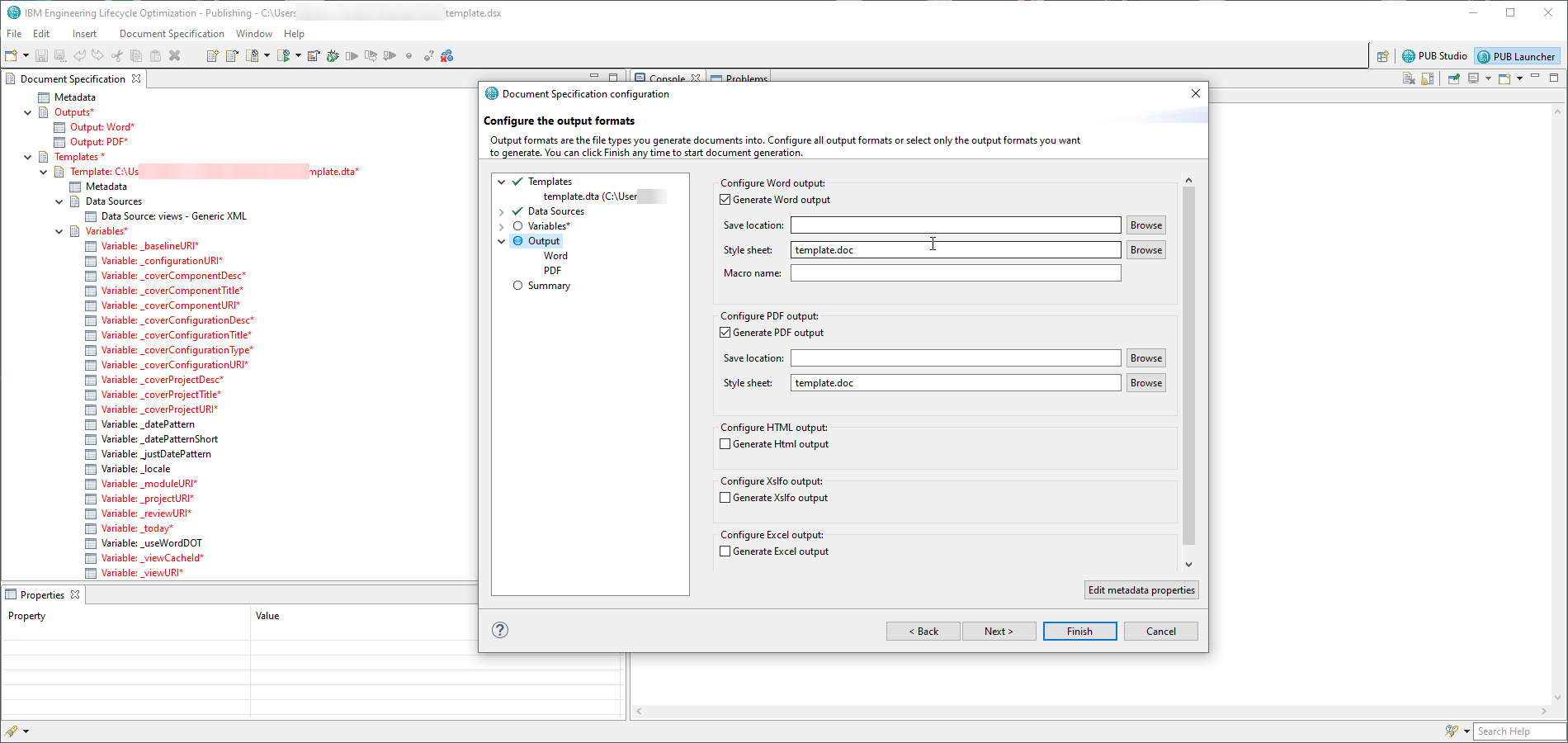
Document Studio takes you through four steps. You build the template once, and every later run is a click or a schedule.
 Zoom
Starter templates ship for each IBM Engineering Lifecycle Management application and for reports that span several of them. Tools by other vendors connect through an XML or REST interface.
 Zoom
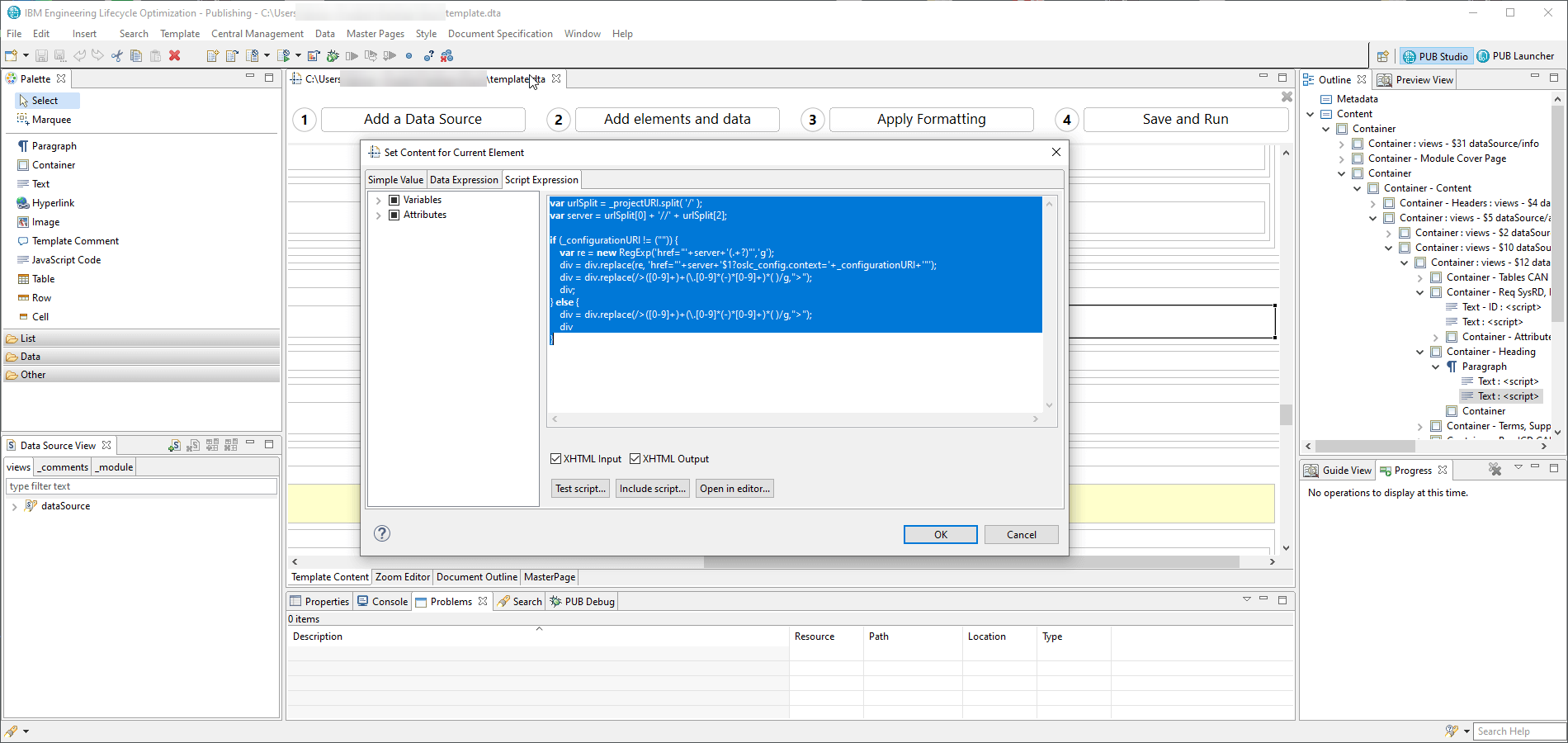
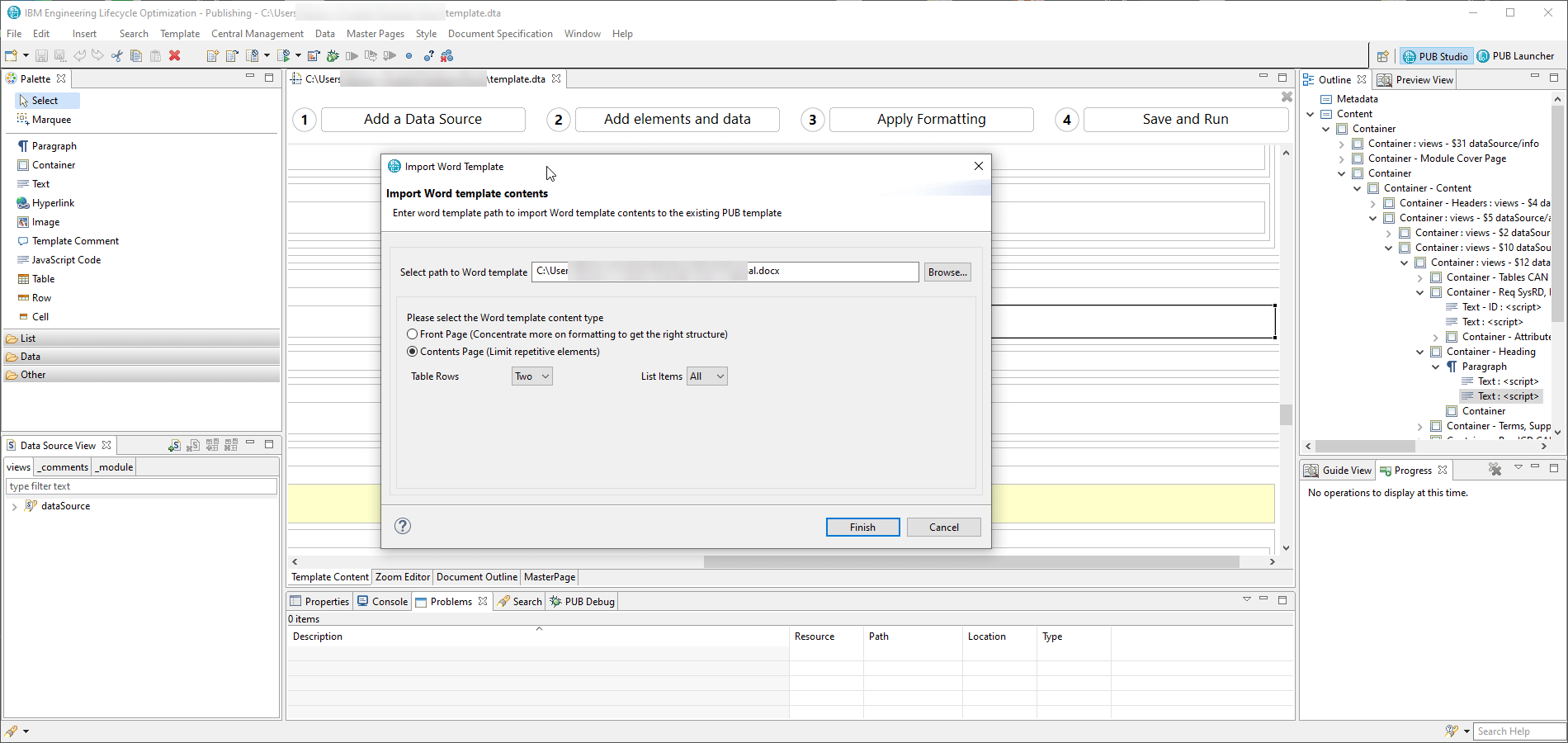
Import an existing Word file as the layout, drop data elements into it and add JavaScript where the document needs logic, such as filters, calculations or conditional text.
 Zoom
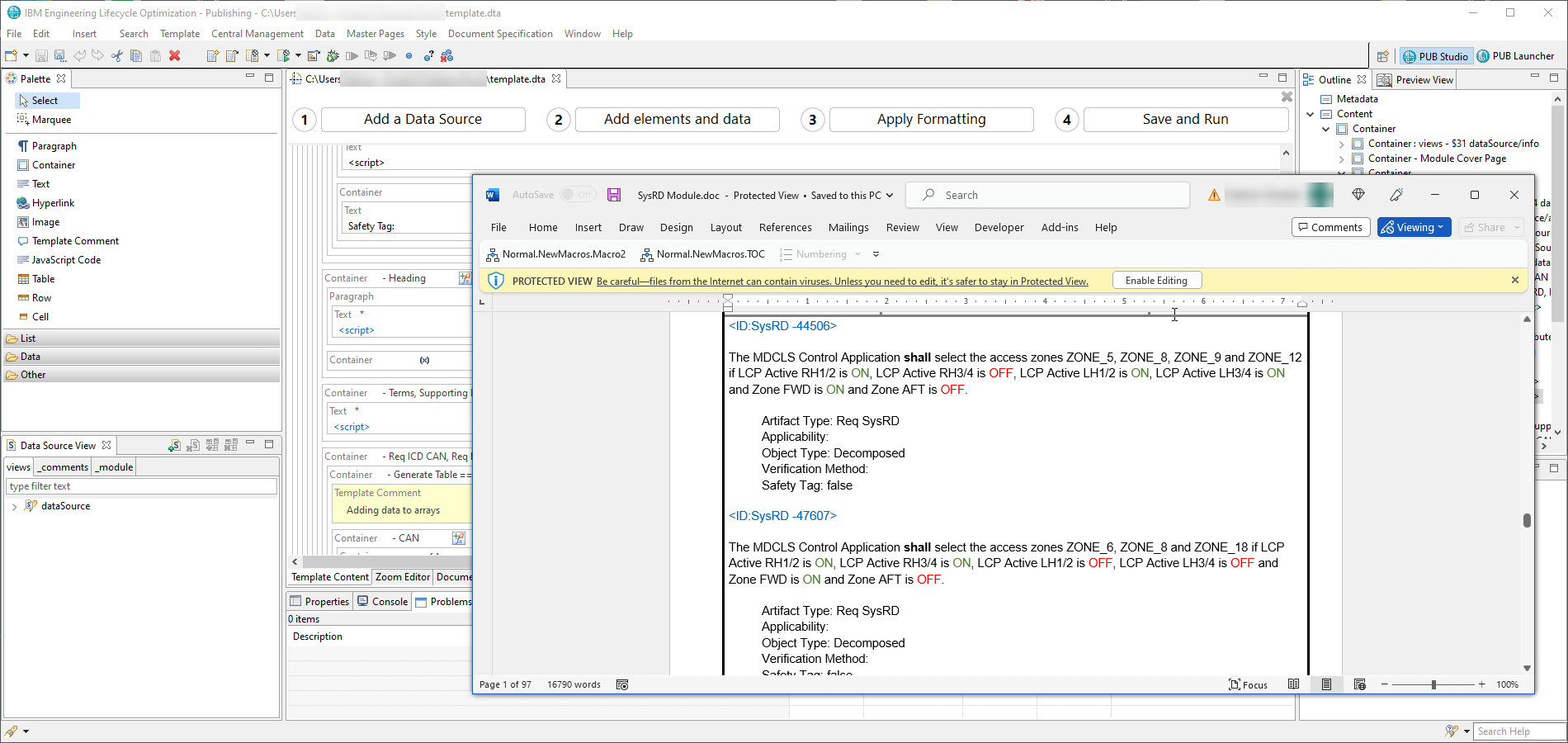
One template writes every format in a single run. A Word style sheet keeps fonts, numbering and the cover page the way your readers expect.
 Zoom
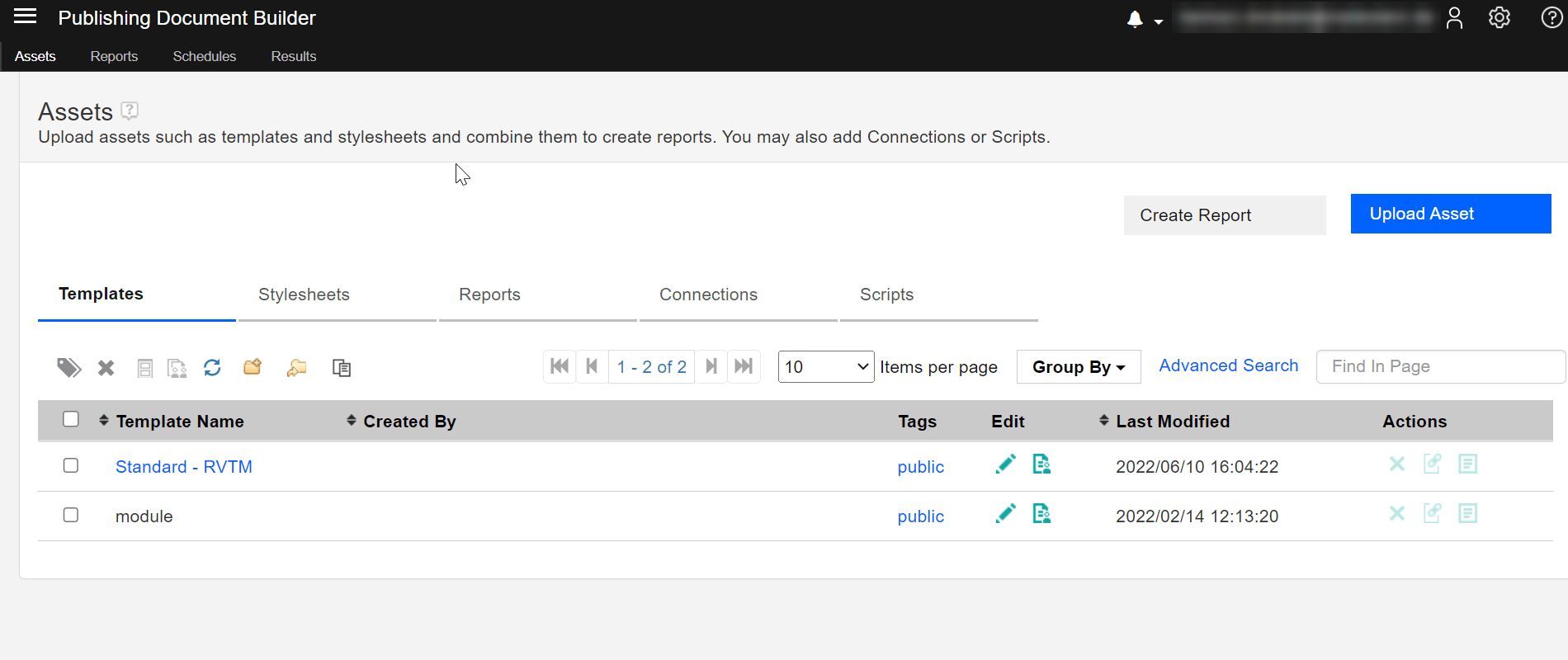
Run the document from your desktop, or upload the template to Document Builder, where anyone generates or schedules it from the browser for every baseline.
No time to build templates? We build them to your format and keep them working through IBM upgrades.
Report developmentWhat each standard asks for, and what Publishing gives you to show it.


Evidence that the cybersecurity management system is applied
Safety and cybersecurity work products generated from live IBM Engineering Lifecycle Management dataUN R155

Trace data for the certification package
Traceability matrices generated from DOORS Next, Rhapsody and Test Management dataDO-178C 5.5, 11.21

Technical documentation for each safety and performance requirement
Documents generated from a baseline, with requirements linked to evidenceEU MDR, Annexes I and II

A structured safety case with evidence
Safety case documents generated from hazards, requirements and test results in a frozen baselineEN 50129 IBM Engineering Requirements Management DOORS NextSpecifications and matrices
 IBM Engineering Requirements Management DOORSModules from DOORS 9
 IBM Engineering RhapsodyDesign documents from models
 PublishingReads data from the IBM Engineering Lifecycle Management tools around it and turns it into documents for reviews, contracts and assessors.

Output formats.
Data from tools by other vendors.

Generation on the server, started from the browser.

One document per baseline or stream.
Trusted in regulated industries
Our clients build products under strict standards and regular audits. We supply licenses, implementation, hosting and training.
Our clients build products under strict standards and regular audits. We supply licenses, implementation, hosting and training.















































We are a partner and reseller of these technology providers.


Trainings

Services
Template designers and users who generate documents need licenses; IBM tokens can cover them together with other IBM Engineering Lifecycle Management products. We size the mix from who designs and who only runs reports.
Yes. IBM Rational Publishing Engine (RPE) was renamed IBM Engineering Lifecycle Optimization – Publishing. Existing RPE templates keep working after the upgrade.
IBM DOORS, DOORS Next, Rhapsody, Rhapsody Model Manager, Workflow Management and Test Management, plus third-party data through XML and REST.
Yes. Our report development service designs templates to your format, tests them on your data and maintains them after upgrades.
The web part of Publishing. It stores templates on the server and lets anyone generate or schedule documents from the browser.
DXL does not exist in DOORS Next, so DXL exports move to Publishing templates. For other DXL features we have SmarterWidgets 2.0, ready-made widgets for DOORS Next.
Engineering intelligence answers questions about status and trends, through interactive web reports, charts and graphs. Document generation produces the work product itself: highly formatted documents that demonstrate compliance and communicate across contractual boundaries. Publishing does the second; Jazz Reporting Service does the first.
Engineering Document Generation is the reusable reporting component included with various IBM Engineering Lifecycle Management products. It gives you a subset of Publishing: out-of-the-box documents shipped with the product. Authoring your own custom documents requires Publishing.
Publishing 7.2: custom themes for Document Builder, with CSS, HTML and JavaScript that you upload, preview and activate. Images and tables from IBM Engineering Lifecycle Management applications placed as notes in Excel output, so tables stay in the right columns. Checkboxes and filterable drop-down lists for report variables. Optional validation of server certificates during generation.
Add them to the IBM Engineering Lifecycle Management Mini Dashboard and hand repetitive requirements work over to them. Each one previews its changes first.
Browse all widgets