Home · Solutions · Medical Devices & Life Sciences
Solutions · Medical Devices & Life Sciences
Medical device software with audit‑ready design controls
IEC 62304 and ISO 14971 evidence from one connected IBM Engineering Lifecycle Management toolchain, set up by consultants who work with medical device and life sciences teams.
Medical Devices & Life Sciences
The medical devices and life sciences sector
Medical devices are defined in software
The sector covers device manufacturers, diagnostics and life sciences companies, and the suppliers of electronics, components and software behind them. Products range from infusion pumps and patient monitors to diagnostic systems and standalone software, and each one is placed on the market under the EU MDR or IVDR, FDA rules or both.
More and more of what a device does is defined in software. Every function has to be shown to be safe and effective before release, with risks controlled and verified, and again after every change in the field.
 Shift
Software as a medical device
Standalone software and apps are regulated as devices, with IEC 62304 covering the whole software life cycle.
 Shift
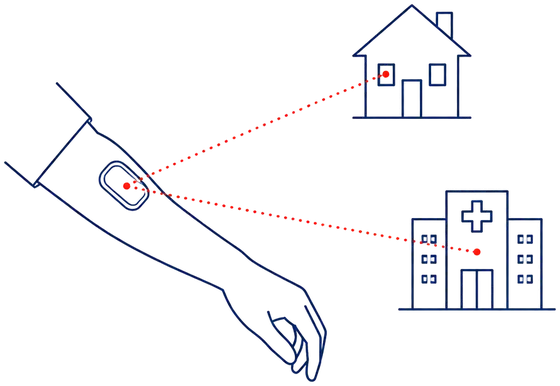
Connected devices
Devices connect to hospital networks and the cloud, so IEC 81001-5-1 security activities join the software life cycle.
 Shift
FDA QMSR
Since 2 February 2026 the FDA quality management system regulation builds on ISO 13485, bringing US and EU design controls closer.
 Shift
EU MDR and IVDR
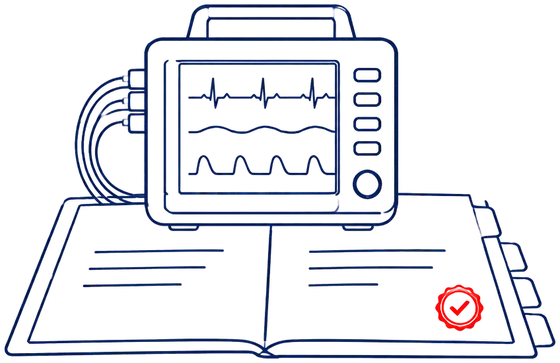
Devices move to MDR and IVDR certificates, with deeper review of technical documentation by notified bodies.
Engineering challenges
What this means for software and systems engineering
Design controls across the life cycle
Design inputs, outputs, verification and validation need evidence for every design review, not only before submission.
Risk management linked to design
ISO 14971 risk controls have to be traced to requirements and verified, and stay linked after every change.
Software safety classes
The IEC 62304 class A, B or C of each software system decides which activities and documents it needs.
Electronic records and signatures
21 CFR Part 11 requires audit trails, controlled access and electronic signatures that stay linked to the record they approve.
Suppliers and SOUP
Software of unknown provenance and supplier components need their own requirements, risk analysis and version records.
Post-market change
Every complaint, CAPA and software update needs an impact analysis against the same design history.
What notified bodies expect
Where medical device teams lose time before an audit
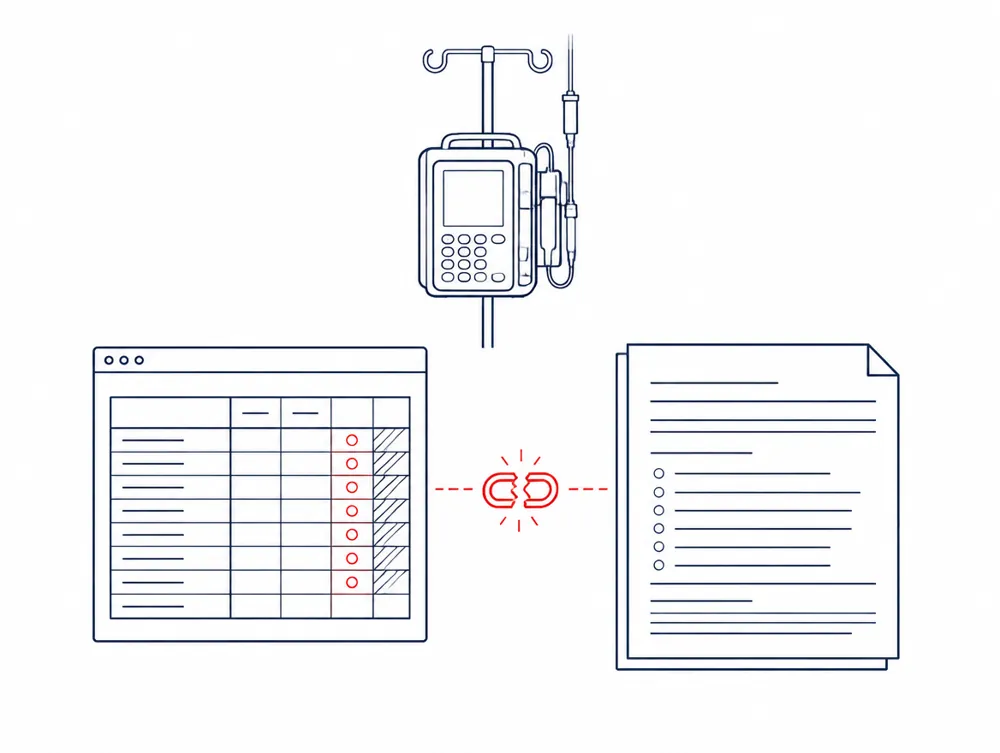
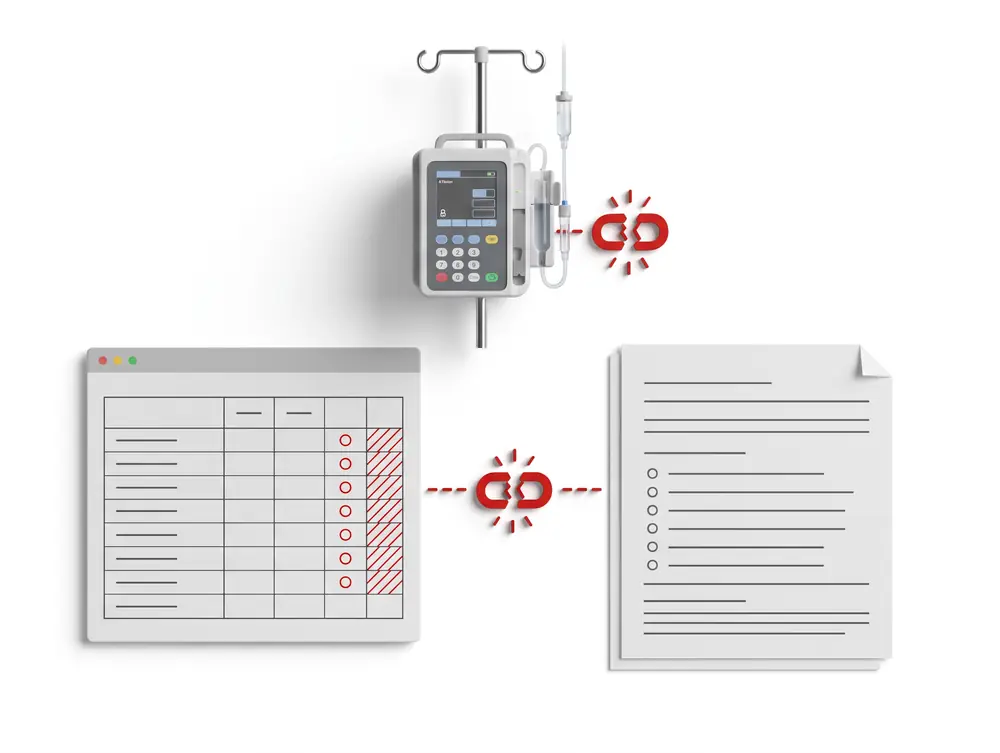
The risk file is a spreadsheet. Risk control measures are copied into the requirements document by hand and drift apart.
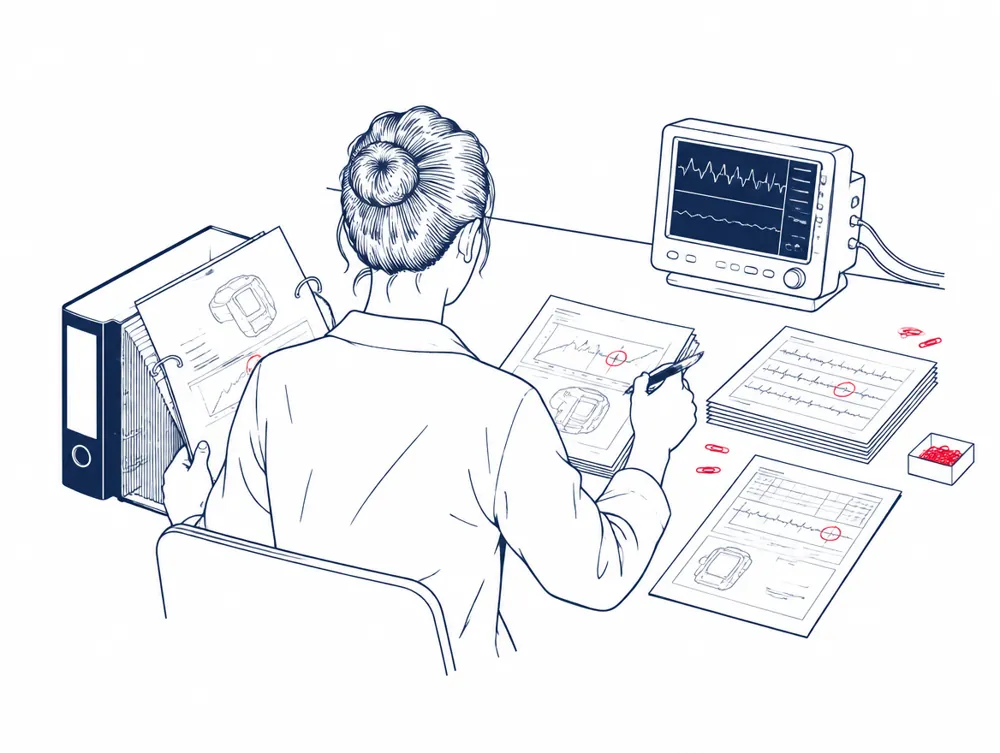
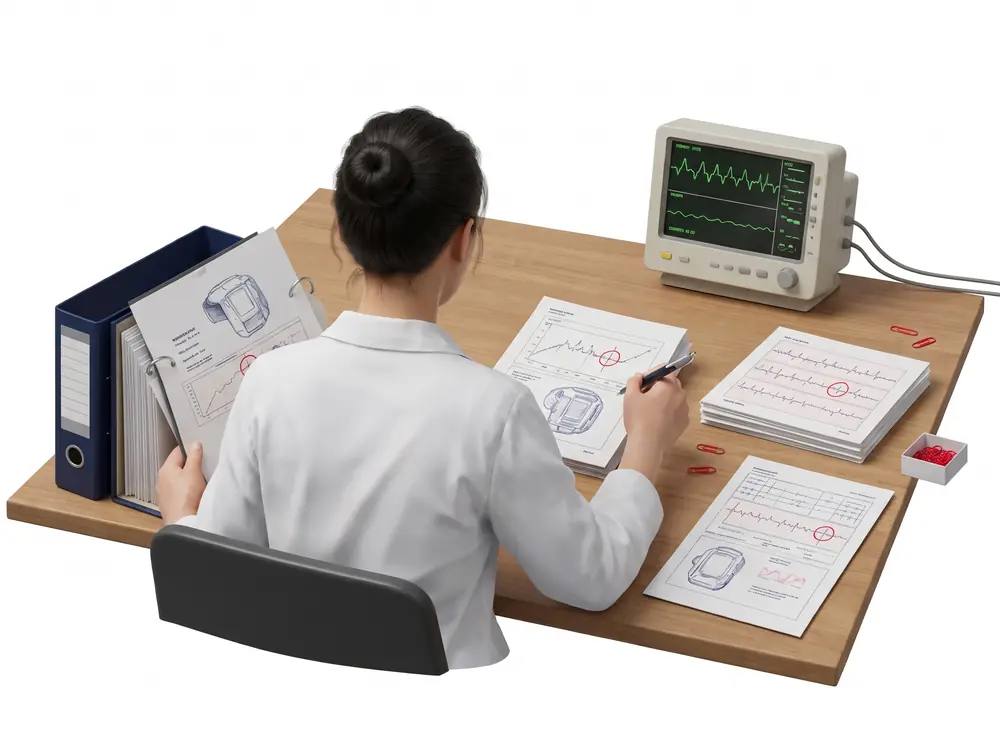
Before each audit, trace matrices and test reports are exported and collected into folders.
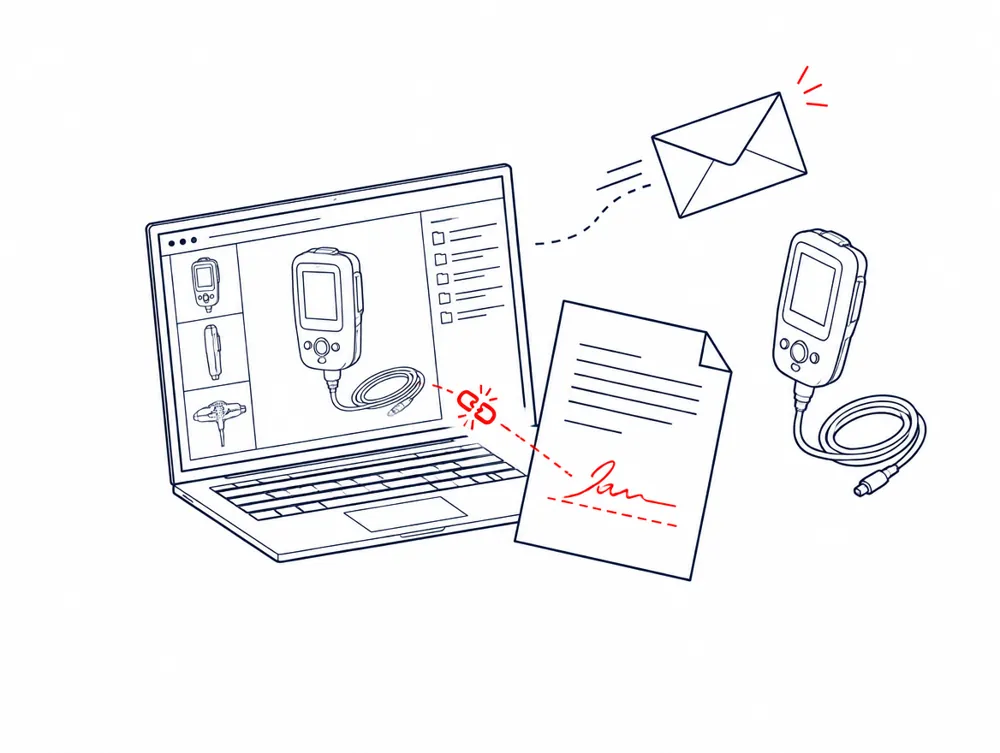
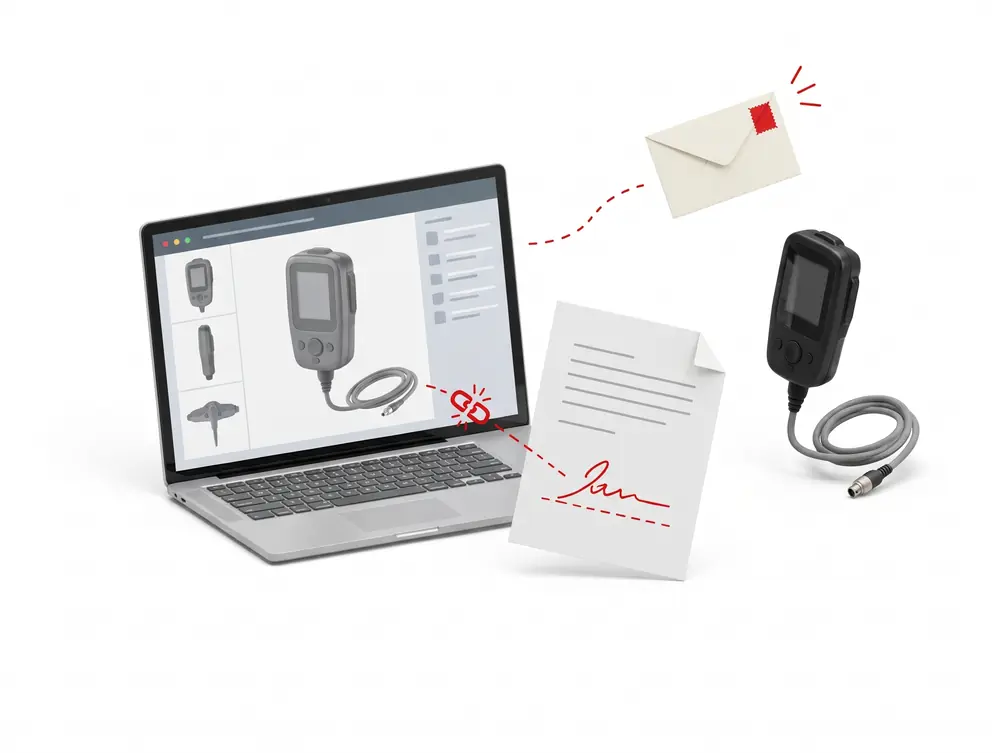
Design records live in the tools, but approvals happen by email or on paper, so the record and its signature are not linked.
RiskAuditors find risk controls with no verified requirement behind them.
With Smarter ProcessHazards, risk controls and requirements are linked in IBM Engineering Requirements Management DOORS Next, with a view of every control that is not yet verified.
RiskThe design history file and technical documentation do not match the released design.
With Smarter ProcessTrace matrices, verification summaries and design review records are generated from a frozen baseline, in your own templates.
RiskFindings on 21 CFR Part 11 and on validation of software used in the quality system.
With Smarter ProcessReviews with electronic signatures and audit trails in IBM Engineering Lifecycle Management, set up to support your computer system validation.
Compliance map
IEC 62304, ISO 14971 and ISO 13485, mapped to the toolchain
Pick a standard to see what it asks for, and where it lives in your toolchain once we have set it up.
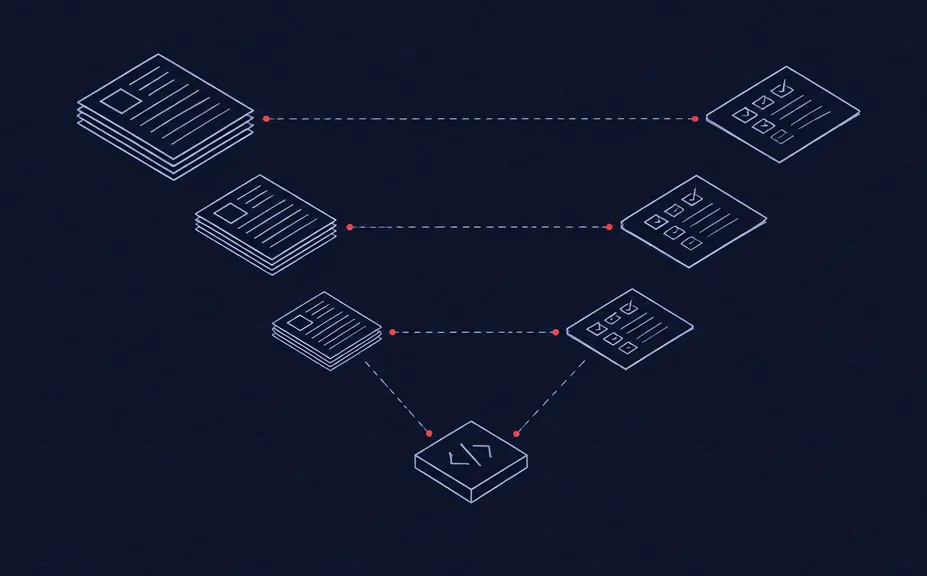
IEC 62304 · 5.2 Software requirements analysis
 IBM Engineering Requirements Management DOORS Next
What it asks forSoftware requirements derived from system requirements, including risk control measures implemented in software
How we cover itSoftware requirement modules linked to system requirements and risk controls; safety class as an attribute
 IBM Engineering Requirements Management DOORS Next
IEC 62304 · 5.7 Software system testing
IBM Engineering Test ManagementIBM Engineering Workflow Management
What it asks forTests for every software requirement, with results, anomalies and retests recorded
How we cover itTest cases and results traced to each requirement; anomalies linked as defects to the items they affect
 IBM Engineering Test Management
 IBM Engineering Workflow Management
IEC 62304 · 8 Software configuration management
IBM Engineering Lifecycle Management Global Configuration ManagementIBM Engineering Workflow Management
What it asks forConfiguration items identified, changes controlled and the configuration of each release recorded
How we cover itGlobal configurations and baselines per release; change requests linked to the items they change
 IBM Engineering Lifecycle Management Global Configuration ManagementIBM Engineering Workflow Management
ISO 14971 · 7 Risk control
IBM Engineering Requirements Management DOORS NextIBM Engineering Test Management
What it asks forRisk control measures implemented, their effectiveness verified and residual risk evaluated
How we cover itHazard and risk control types linked to requirements and to verification results; residual risk attributes
IBM Engineering Requirements Management DOORS NextIBM Engineering Test ManagementISO 13485 · 7.3 Design and development
IBM Engineering Requirements Management DOORS NextIBM Engineering Workflow Management
What it asks forDesign inputs, outputs, reviews, verification, validation, transfer and design changes, all controlled and recorded
How we cover itDesign input and output modules, review workflows and change requests linked to the affected items
IBM Engineering Requirements Management DOORS NextIBM Engineering Workflow ManagementEU MDR · Annexes I and II
IBM Engineering Requirements Management DOORS NextIBM Engineering Lifecycle Optimization – Publishing
What it asks forTechnical documentation showing how each general safety and performance requirement is met
How we cover itChecklist of general safety and performance requirements linked to evidence; documents generated from a baseline
IBM Engineering Requirements Management DOORS Next IBM Engineering Lifecycle Optimization – Publishing
21 CFR Part 11 · §11.10 and §11.50
IBM Engineering Requirements Management DOORS NextIBM Engineering Test Management
What it asks forAudit trails, access control and electronic signatures that show signer, date, time and meaning
How we cover itElectronic signatures on reviews and approvals; full history of every change to every item
IBM Engineering Requirements Management DOORS NextIBM Engineering Test ManagementIEC 81001-5-1 · Security risk management
IBM Engineering Requirements Management DOORS NextIBM Engineering Test Management
What it asks forSecurity requirements, threat models and security testing as part of the health software life cycle
How we cover itThreat and security requirement types on the same links as safety risks; security tests in the same test plan
IBM Engineering Requirements Management DOORS NextIBM Engineering Test ManagementBook a 30-min compliance gap review
Compliance is achieved by your organization and confirmed by your notified body or the FDA. Tools hold the evidence; we set them up so the evidence is complete and easy to show.
Capabilities
What your team can do on day one
Baselines for every design review
Freeze a configuration for each design review and release, and compare it with the next one item by item. Auditors see exactly what changed, why and who approved it.
- IBM Engineering Lifecycle Management Global Configuration Management
The risk file in the same chain
Hazards, hazardous situations and risk controls live next to design inputs and flow down to software requirements and tests.
- IBM Engineering Requirements Management DOORS Next
Trace matrices that stay current
The trace matrix is a live view, not an export. Gaps and suspect links show up the day they appear, not at the audit.
- IBM Engineering Requirements Management DOORS Next
Reviews with electronic signatures
Design reviews and test approvals carry electronic signatures and an audit trail, linked to the exact version reviewed.
- IBM Engineering Requirements Management DOORS Next
- IBM Engineering Test Management
Exchange with suppliers
Requirements for suppliers go out and come back through Requirements Interchange Format (ReqIF), compared with the previous delivery.
- IBM Engineering Requirements Management DOORS Next
Design history from live data
Trace matrices, verification summaries and technical documentation are generated from the tools, in your own document templates.
- IBM Engineering Lifecycle Optimization – Publishing
- IBM Engineering Test Management
See every product we implement and support
IBM Engineering Lifecycle Management, HCL and GitLab: licences, set-up, training and support from one team.
All products →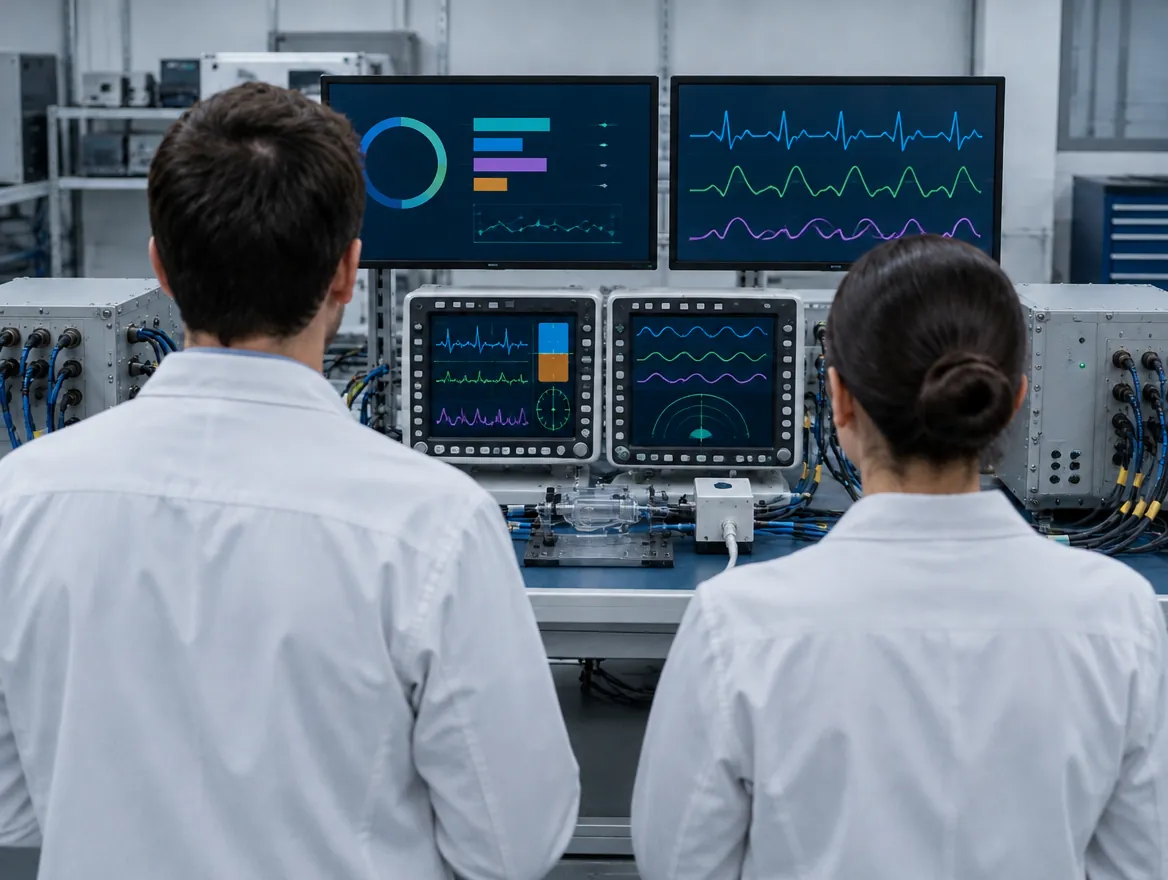 Device verification lab
How we work
We start from your quality system, not from the tool
Your design control and risk management procedures become artifact types, link rules and review workflows in IBM Engineering Lifecycle Management. The documents your auditors already know are then generated from the tools, and we support your validation of the configuration.
Proceduresmapped to types, links and workflows
Risklinked to requirements and verification
Validationsupport for your computer system validation

FAQ
Questions medical device teams ask us
Do we have to validate IBM Engineering Requirements Management DOORS Next and IBM Engineering Test Management?
Yes, as software used in your quality management system, and in proportion to the risk of each use. ISO 13485 asks for validation of such software before first use and after changes. We list the intended uses, assess the risk of each one, and prepare the configuration specification and test scripts for the uses that matter, such as electronic signatures, audit trails and trace reports. Your quality team approves the validation, and we keep it current with each upgrade.
How do we exchange requirements with suppliers and development partners?
Through ReqIF, agreed per partner. We set up an exchange definition for each supplier: which modules and attributes go out, which come back and who may edit them. Their answers are imported next to the previous delivery, so you see what changed before you accept it. SOUP and purchased components get their own requirements and version records, linked to the risk analysis, so a supplier change shows which risk controls to check again.
We have several models and markets of the same device. How do we avoid a separate design history for each?
With configurations instead of copies. Common requirements, risk controls and tests are kept once, and each model or market is a configuration that adds its own items. IBM Engineering Lifecycle Management Global Configuration Management records which version of each item a release uses, so the design history file for any model can be generated from its own baseline. A change to a common item shows every model it affects, with one impact analysis instead of several.
Our design history is in IBM Engineering Requirements Management DOORS (9.x). How do we move without breaking it?
Product by product, not all at once. Released products often stay on IBM Engineering Requirements Management DOORS (9.x) until their next design change, while new products start in IBM Engineering Requirements Management DOORS Next. When a product moves, modules, attributes and links move with their original IDs, and released baselines are kept, so earlier submissions stay reproducible. The migration is treated as a validated change, with a record of what moved. DXL scripts are inventoried first and most are replaced by configuration or views.
Our software developers use Atlassian Jira and GitLab. Can that stay?
Yes. Design inputs, risk controls and verification stay in IBM Engineering Lifecycle Management, where your design history needs them. Development work stays in Atlassian Jira and code in GitLab. We link work items and merge requests to the software requirements they implement, through OSLC-based integrations or a synchronization we configure for your process. The trace from risk control to code is then complete, and the integration itself is covered in your software validation.
How do IEC 81001-5-1 security activities fit next to ISO 14971 risk management?
In the same project, with separate artifact types and link rules. Threats, security risks and security requirements link to the same device functions, software requirements and tests as hazards and risk controls. Where a security risk can lead to harm, the link to the hazard is explicit. One change then triggers both safety and security impact analysis, and the software bill of materials and security test evidence come from the same baseline as the rest of the submission.
New · SmarterWidgets 2.0
Ready-made widgets for IBM DOORS Next
Add them to the ELM Mini Dashboard and hand repetitive requirements work over to them. Each one previews its changes first.
Browse all widgets- Content qualityClean text and glossary linksStyle Cleaner, Link Checker and more
- Links and traceabilityFix, move and inspect linksLink Remover, Module To Base Links and more
- Module structureBuild and repair module hierarchyModule Fill, Module Explorer 2.0 and more
- Configuration and governanceBaselines, data models and auditsBaseline Archiver, Compare Data Models and more
- Reporting and publishingCharts, maps and publishingPublishing URLs, Module Insights and more
- See all widgetsScreenshots and details for every widget


Watch and learn
Our Videos
Demos, tutorials and customer stories on requirements, traceability and test.